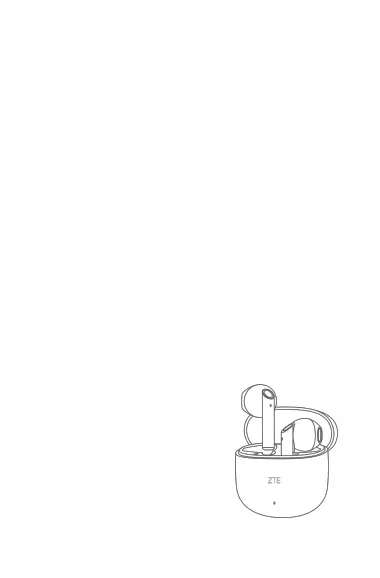
Charge the Charging Case
The Case can be charged using a USB Type-C cable. You can
confirm the battery state and the charging status through the
indicator light.
Tips: Please connect to a 5V (compatible) output voltage
adapter through a USB Type-C charging cable for charging. If
the adapter output voltage is higher than 5V, it may not
charge or may even damage the product.
Charge the Earbuds
Put the earbuds inside the Charging Case. The earbuds will
disconnect from Bluetooth and start charging.
Indicator Light
When the earbuds are in the case:
Sufficient battery in Charging Case: White light of the
Charging Case stays on for 4 seconds and then turns off
Charging Case is low on the battery: White light of the
Charging Case blinks for 4 seconds and then turns off
Charging Case is charging:
Charging: White light of the
Charging Case blinks
Fully charged: White light of the
Charging Case stays on
The charging cable is removed: The
light of the Charging Case turns off


 To Next Page