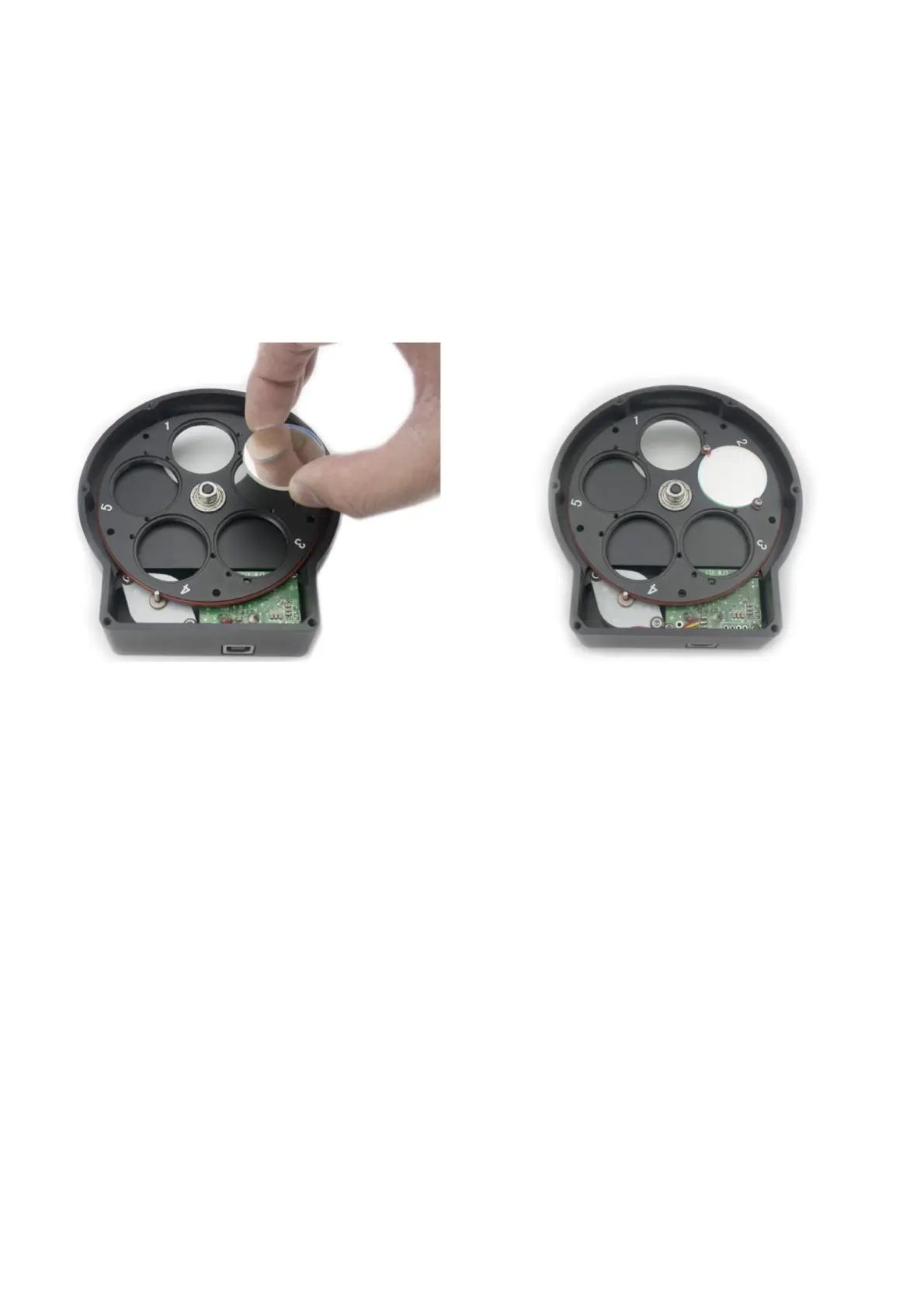
⚫ Remove the screws securing the back cover and remove the back
cover
⚫ Set the wheel on a flat surface with the face down.
⚫ Place filters onto the filter positions.
⚫ Use the included M2 screws with washers to secure the filters in
place.
⚫ Replace the back cover and tighten the screws.
Connecting ZWO EFW to Camera
You can connect your camera to the EFW with a 1.25" nosepiece or
simply thread it directly to the M42 interface. Please pay attention to the
direction of EFW when you connect to the ZWO ASI 1600 camera to ensure
that the filters are as close to the sensor as possible to minimize the chance
of vignetting.



 To Next Page