EasyManua.ls Logo

Zynex Medical InWave - User Manual

Zynex Medical InWave
32 pages
Print Icon
To Next Page IconTo Next Page
Loading...
InWave
Users Manual

Questions and Answers

  • O
    ophillipsJul 31, 2025
    What to do if Zynex Medical Fitness Equipment display shows “Check Connections”?
    • J
      Joel LarsonAug 1, 2025
      If the Zynex Medical Fitness Equipment shows 'Check Connections', it might mean the probe isn't correctly connected. Ensure the probe connector is fully inserted into the device. Try turning the device off, then disconnect and reconnect the probe to improve the electrical contact. If the message continues to appear, the probe may be faulty.
  • M
    Melissa SmithAug 15, 2025
    How to increase stimulation level on Zynex Medical InWave?
    • B
      Breanna BoyerAug 16, 2025
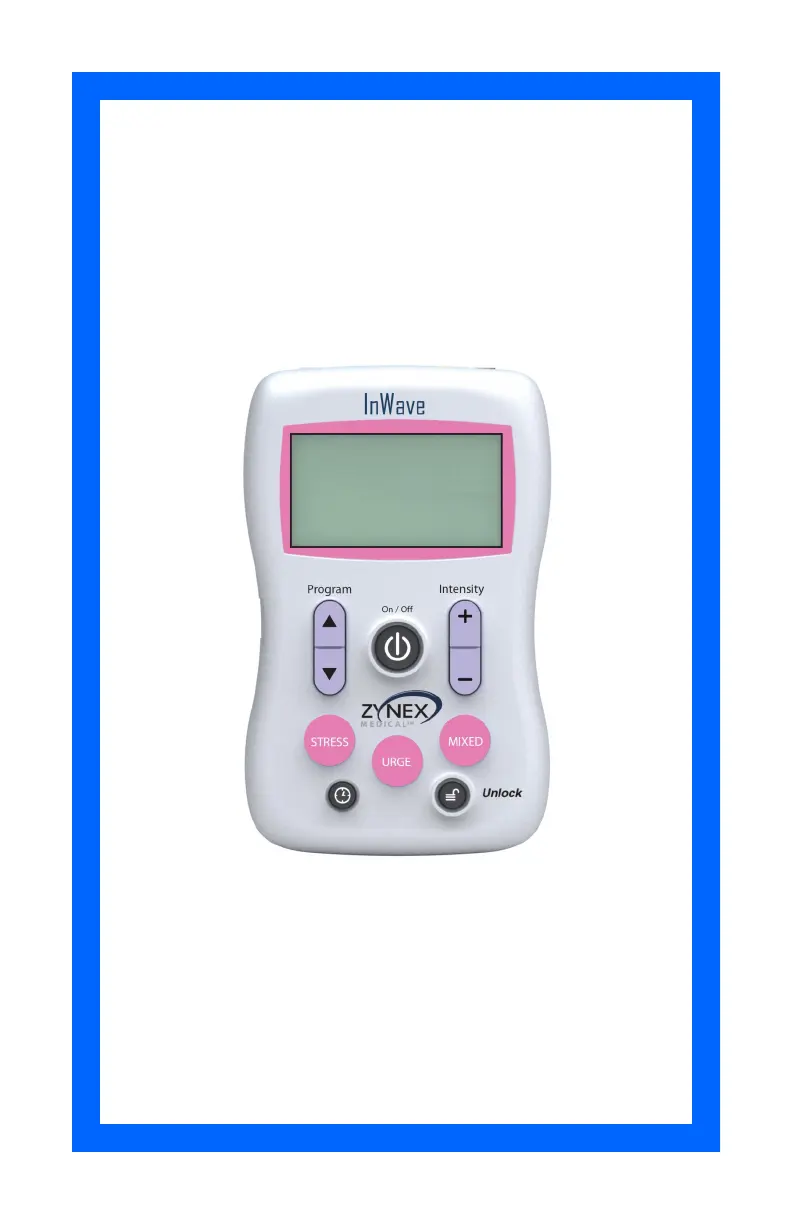
      To increase the stimulation level on your Zynex Medical Fitness Equipment, press and release the Unlock button. This will deactivate the safety feature. You can then adjust the stimulation to your desired intensity. Note that the intensity level locks after twenty seconds of inactivity.

Summary

Safety Information

Equipment Classification

Classification per IEC 60601-1 and EN 60601-1 standards, including Type BF Equipment.

Additional Safety Information

Flammable Anesthetics

Device is not suitable for use with flammable anesthetic mixtures.

Probe Setup

Operating Instructions

Indications for Use Stress UI Mode

Warnings Stress UI Mode

Precautions Stress UI Mode

Indications for Use Urge UI Mode

Warnings Urge UI Mode

Precautions Urge UI Mode

Indications for Use Mixed UI Mode

Warnings Mixed UI Mode

Output Waveform;Power Information

Details output voltage, current, and power specifications for Mixed UI mode.

General Warnings

Covers LED indicator, long-term effects, pregnancy use, and label legibility.

Precautions Mixed UI Mode

General Precautions

Covers stimulation application, alcohol use, device operation, and proximity to other equipment.

Adverse Reactions

Identifies potential adverse reactions like vaginal irritation.

Troubleshooting

Specifications and Accessories

Stress UI Mode Specifications

Details output current, frequency, pulse width, and program parameters for Stress UI.

Urge UI Mode Specifications

Details output current, frequency, pulse width, and program parameters for Urge UI.

Mixed UI Mode Specifications

Details output current, frequency, pulse width, and program parameters for Mixed UI.

Care, Maintenance, and Disposal

Zynex Medical InWave Specifications

General IconGeneral
Pain ReliefYes
Muscle Re-EducationYes
Warranty1 year
Channels2
Intensity LevelsAdjustable
PortabilityPortable
Power SourceBattery

Related product manuals