EasyManua.ls Logo

ZyXEL Communications GS1100-16 - User Manual

ZyXEL Communications GS1100-16
30 pages
Print Icon
To Next Page IconTo Next Page
Loading...
www.zyxel.com
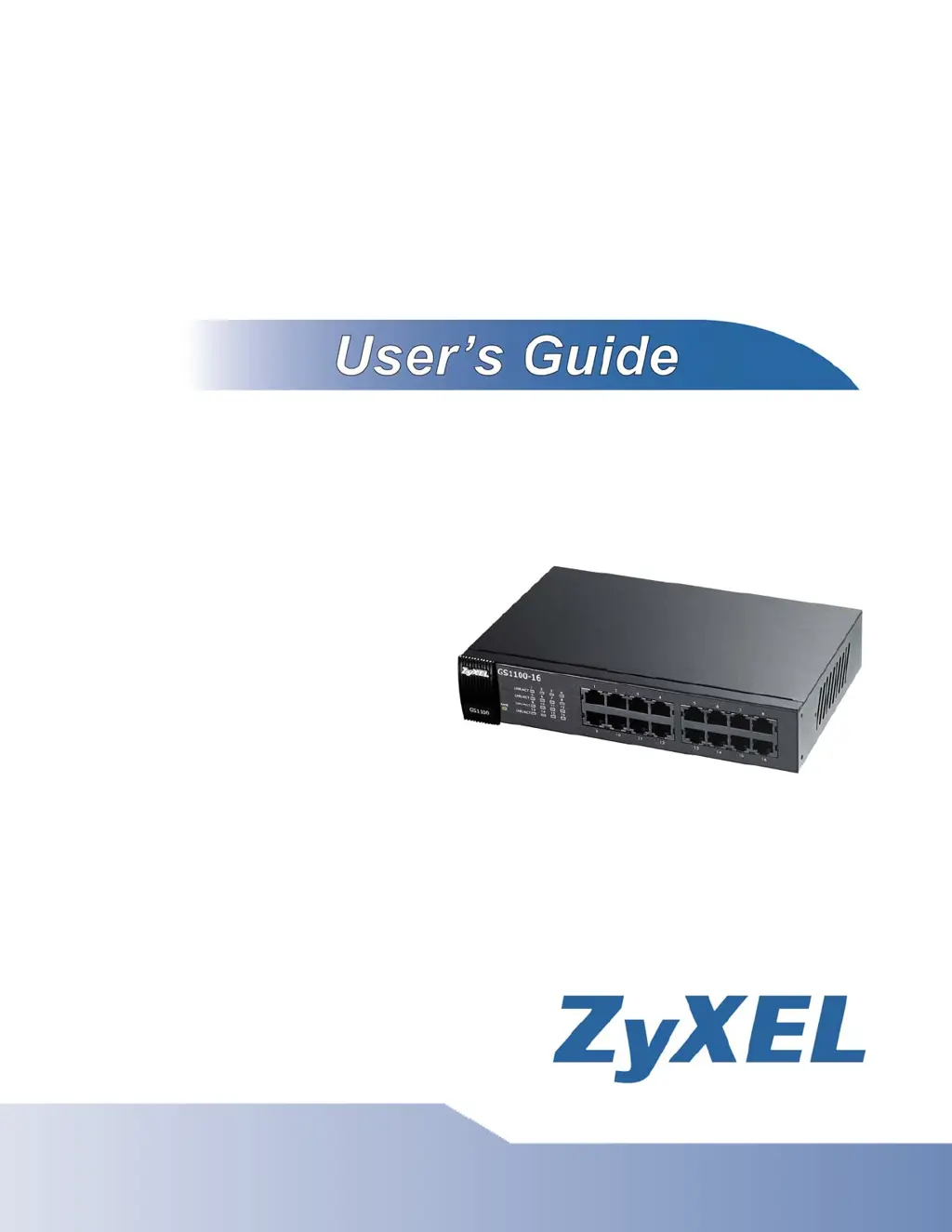
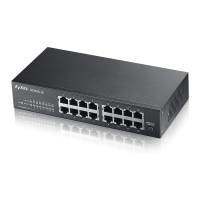
GS1100-16
16-port Unmanaged Gigabit Ethernet Switch
Copyright © 2010
ZyXEL Communications Corporation
Firmware Version 1.00
Edition 1, 3/2010

Other manuals for ZyXEL Communications GS1100-16

Questions and Answers

  • E
    Emily WilliamsAug 15, 2025
    What to do if LINK/ACT LED doesn't light up when a device is connected to my ZyXEL Communications GS1100-16 Network Router?
    • K
      Kathy TurnerAug 15, 2025
      If the LINK/ACT LED doesn't light up when a device is connected to your ZyXEL Communications Network Router, ensure the attached device is turned on and properly connected. Also, verify that the network adapters are working on the connected devices and that you are using the correct network cable type, ensuring its length does not exceed 100 meters.
  • B
    Brian DownsAug 18, 2025
    Why is my ZyXEL Communications Network Router not working because of cabling length?
    • H
      Helen RomeroAug 18, 2025
      The network cables used with your ZyXEL Communications Network Router should not exceed 100 meters in length. Ensure your cables are within this limit.
  • M
    Michele BryantAug 22, 2025
    What to do if I have faulty cables with my ZyXEL Communications GS1100-16?
    • R
      Ryan KelleyAug 22, 2025
      If you suspect faulty cables are causing issues with your ZyXEL Communications Network Router, replace them with new, standard network cables.
  • A
    Anthony LongAug 26, 2025
    What to do if the PWR LED on my ZyXEL Communications GS1100-16 doesn't light up?
    • R
      ralphrodriguezAug 26, 2025
      If the PWR LED on your ZyXEL Communications Network Router does not light up, check the connections from your router to the power source. Also, ensure the power source is turned on and the router is receiving sufficient power. If the problem persists, seek assistance from your local distributor.
  • M
    Mrs. Katherine LawrenceAug 28, 2025
    What to do if LNK/ACT LED doesn't light up on ZyXEL Communications GS1100-16?
    • D
      Daniel JacksonAug 28, 2025
      If the LNK/ACT, 1G or 10/100 LED on your ZyXEL Communications Network Router doesn't light up when a device is connected, first verify that the attached device is turned on and properly connected to your switch. Also, ensure that the network adapters on the connected devices are functioning correctly. Finally, confirm that you're using the correct network cable type and that its length doesn't exceed 100 meters.
  • B
    Brandy MoranAug 31, 2025
    How to troubleshoot PWR LED not lighting up on ZyXEL Communications Network Router?
    • E
      Erin PooleSep 1, 2025
      If the PWR LED on your ZyXEL Communications Network Router isn't lighting up, start by checking the connections from your switch to the power source. Ensure you're using the power cord supplied with the device and that you're using an appropriate power source, referring to the product specifications. Also, make sure the power source is turned on and that the switch is receiving sufficient power.
  • G
    Gary JensenSep 4, 2025
    What to do if PoE LED is off on ZyXEL Communications Network Router (GS1100-8HP)?
    • M
      Matthew ShawSep 4, 2025
      If the PoE LED is off or power isn't being supplied to your PoE-enabled device on the ZyXEL Communications Network Router (GS1100-8HP), ensure the power adapter is securely connected to the GS1100-8HP and an appropriate power source. Verify that the power source is on and functioning correctly. Also, check that the Ethernet cables are connected properly and that you are using the correct type of Ethernet cable.
  • M
    Michael SullivanSep 7, 2025
    Why non-standard network cables can cause problems with ZyXEL Communications GS1100-16 Network Router?
    • J
      John McfarlandSep 7, 2025
      Using non-standard network cables with your ZyXEL Communications Network Router may increase the number of network collisions. For more information on network cable types, refer to Section 2.2.4 on page 12.
  • J
    Jennifer RichardsonSep 12, 2025
    What is the maximum cabling length for ZyXEL Communications GS1100-16?
    • S
      Shirley RobinsonSep 12, 2025
      If you are using network cables longer than needed with your ZyXEL Communications Network Router, ensure that they do not exceed the limit of 100 meters.

Summary

Customer Support

Safety Warnings

Getting to Know Your Switch

Hardware Description and Connection

2.1.1 Rear Panel Power Connection

Details how to connect the power cord to the switch.

2.2.1 RJ-45 Auto-negotiating Ports

Explains the function of the auto-negotiating Ethernet ports.

2.3 Hardware Installation

Provides instructions for physically installing the switch.

2.3.1 Wall-mounting

Guides users on how to mount the switch on a wall.

Troubleshooting

PWR LED Troubleshooting

Steps to resolve issues when the power LED does not illuminate.

LINK;ACT LED Troubleshooting

Steps to resolve issues when the link/activity LED is not active.

3.1 Improper Network Cabling and Topology

Addresses network performance issues caused by cabling and topology problems.

Product Specifications

ZyXEL Communications GS1100-16 Specifications

General IconGeneral
MAC address table8000 entries
Jumbo frames supportYes
Maximum data transfer rate1 Gbit/s
Supported data transfer rates10/100/1000 Mbps
10G supportNo
Networking standardsIEEE 802.1p, IEEE 802.3, IEEE 802.3ab, IEEE 802.3az, IEEE 802.3u, IEEE 802.3x
Dimensions (WxDxH)215 x 133 x 42 mm
Power requirements100 - 240 V AC, 50/60 Hz
Networking featuresGigabit Ethernet
Connectivity technologyWired
Switch typeUnmanaged
Switch layer-
SFP/SFP+ slots quantity2
Basic switching RJ-45 Ethernet ports quantity16
Power consumption (typical)6.4 W
Storage temperature (T-T)-40 - 70 °C
Operating temperature (T-T)0 - 50 °C
Weight and Dimensions IconWeight and Dimensions
Weight1000 g

Related product manuals