17. After checking that the left and right signal cables are connected correctly, tap
Complete.
Congratulations, ADAS calibration now completed.
DSM (driver facing A-pillar camera)
LOCATION
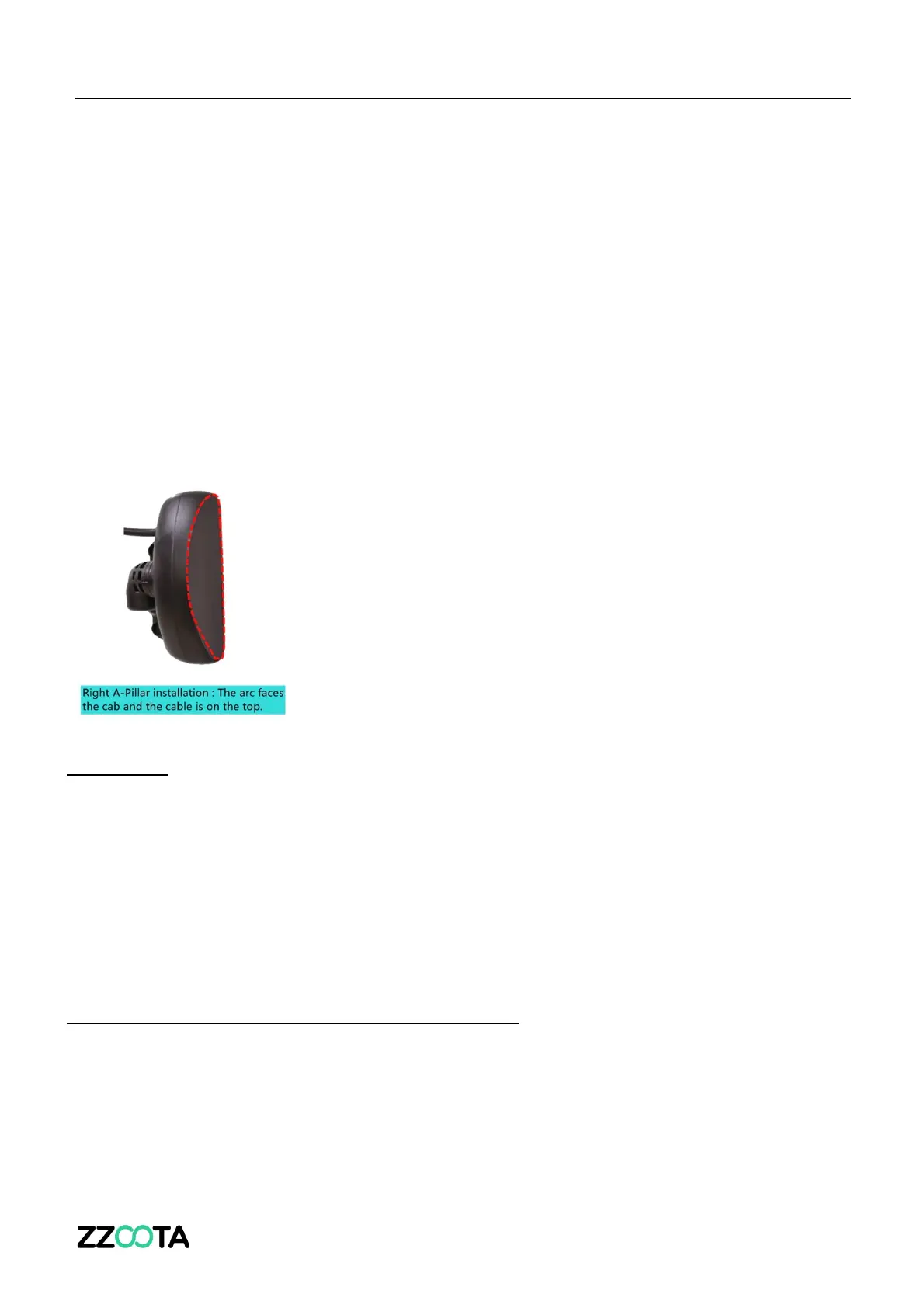
• On the right A-pillar
• The arc faces the cabin, and the rear cable is on the top (as indicated in the picture)
• Distance from drivers face to DSM 80-110cm
o To achieve this, ensure the DSM is
§ No higher than the drivers chin
§ Not too low, to prevent the steering wheel obstructing the vision
DSM ALIGNMENT BEFORE FINAL ATTACHMENT
• Check the live view image on the Veyes app – Follow the procedure outlined below
• When in “Preview” mode adjust the angle of the DSM to ensure:
o Drivers face is in the middle
o Bottom edge of the picture needs to be below drivers chest
o No object blocks the vision (steering wheel, levers, hand, arm, handle)
o The fill light of the DSM is on the drivers face, not the seatbelt


 To Next Page
 Loading...