Environmental Noise Cancellation
Enable ENC (Environmental Noise Cancellation)
Volume Control
Mic-In
Volume Control
Volume Control
Mic-In
Mic
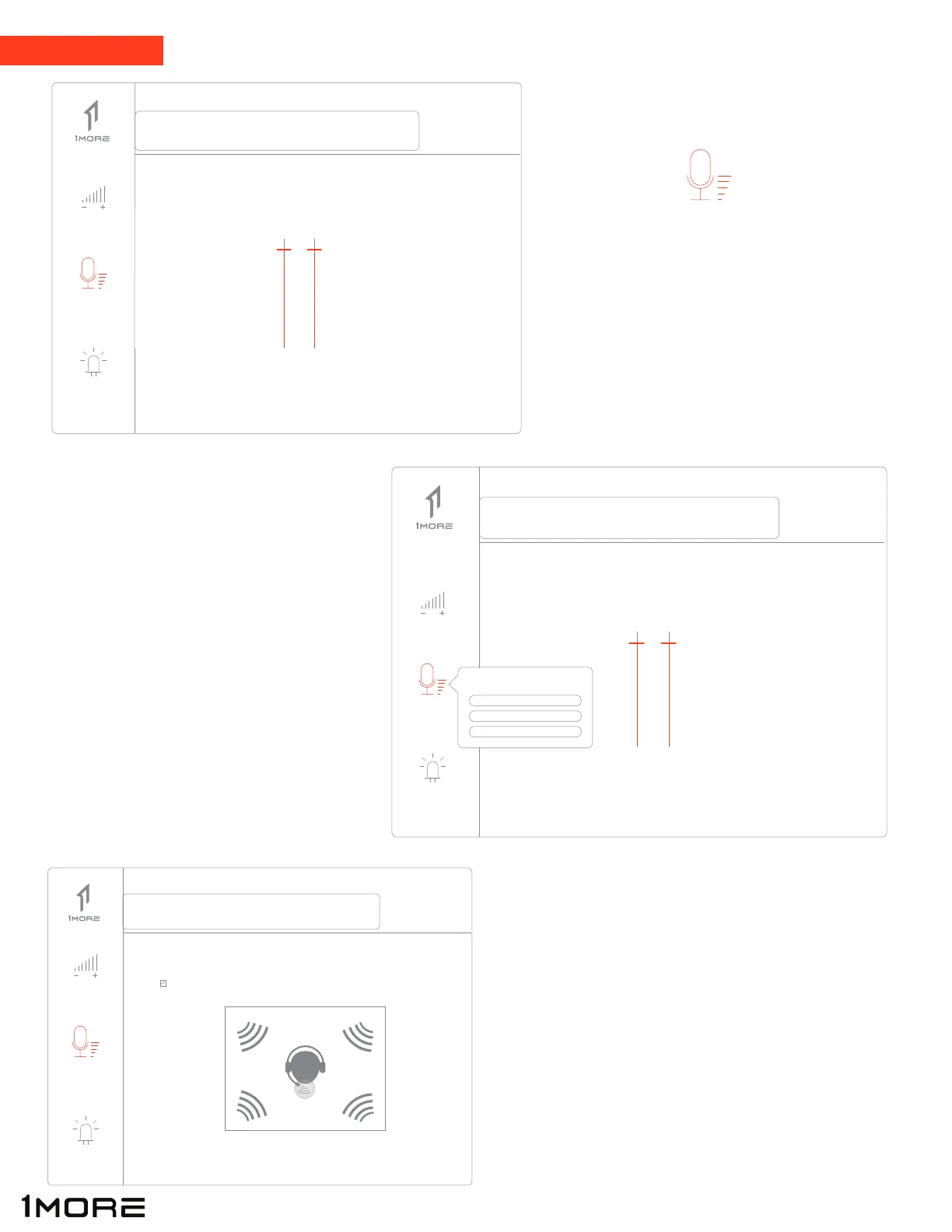
Click on “Mic” (left side of interface) to
control microphone output volume
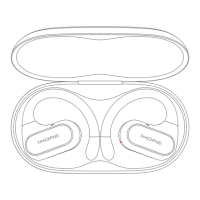
Right click on “Mic” (left side of interface)
to open sub-settings that allow you to
customize other features related to
the microphone.
To turn on ENC (Environmental Noise Cancelling):
After right clicking on “Mic” section, left click on
“Environmental Noise Cancellation”, then left click
on “Enable”
Microphone
11
Speakers
Mic
LED
Speakers
Mic
LED
Speakers
Mic
LED


 To Next Page