LED & COLOR
FAST SLOW
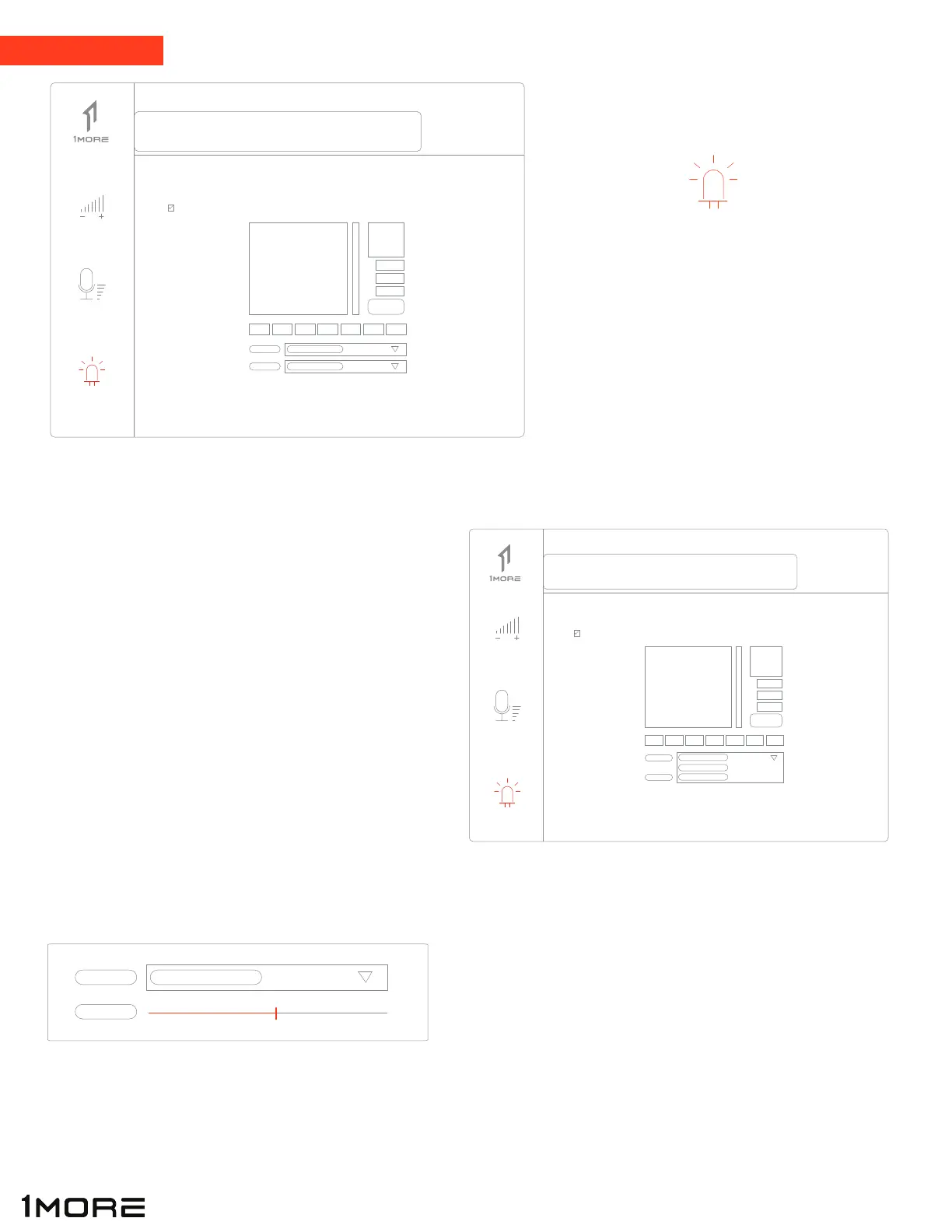
Click “LED” button (left side of interface)
to enable/disable LED lights (through USB
connection) as well as select a color on the
RGB scale.
LED & COLOR
LED
Click on “LIGHT” drop down menu to pull up
(3) different options: Constant, Breathe, and
Heart Beat
o Constant emits a steady stream of light
o Breathe/Heart Beat- emits “pulsing” light
Change how fast light “pulses” by dragging the “SPEED”
dial left or right depending on preference.
LIGHT CONSTANT
BREATHE
HEART BEAT
BREATHE
LED
12
Speakers
Mic
LED
Speakers
Mic
LED
ENABLE LIGHTS
ENABLE LIGHTS


 To Next Page