9
3
Top Panel
Layout
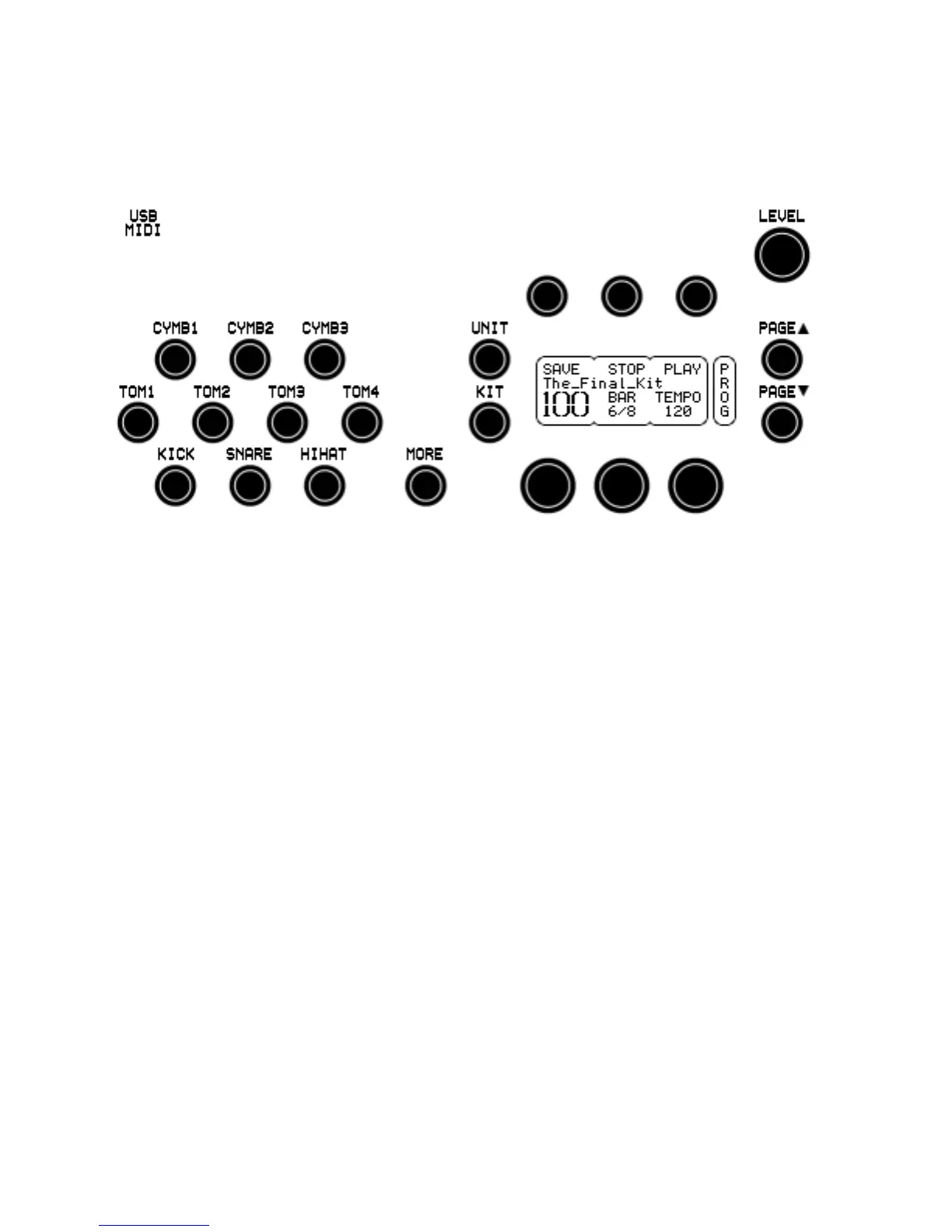
Drum Channels
KICK Triggers the head.
SNARE, TOM1-4 Trigger the head, hold MORE to trigger the rim.
HIHAT, CYMB1-3 Trigger the bow.
MORE Used with other buttons for extended functions.
Each button corresponds to the trigger input with the same name on
the rear of the unit. The names refer to the suggested function,
however the drum channel can hold any kind of sound. When
holding down MORE with SNARE or TOM1-4, one can access the 5
additional percussion channels. If no sounds are assigned to them,
they trigger the rim sound on the snare or tom channels.
Pressing a channel button selects the channel and triggers the
associated sound (the button trigger level is programmable see the
UNIT-PREF page). If the channel holds a loop, it will normally just
play 1 second of the loop, this is a kind of preview to avoid the
entire loop playing to the end. To start the loop with its full length,
hold down the button 1/2 second. Once the loop is running (if
continuous), a short press on the button selects the channel but
does not start or stop it. Hold the button to stop the loop.
Note. The zone triggered by the buttons is dependent on the
selected trigger type for that channel.



 To Next Page