Connecting APP
1. Turn on the Bluetooth on your mobile device;
2. Open the 3Plus Activity Tracker App on your mobile device.
If you are a new member, please register or login with an existing
account. Click
“
Setup
”
after entering your personal information;
3. Make sure that the watch is located nearby. Select TIME from your
Bluetooth menu;
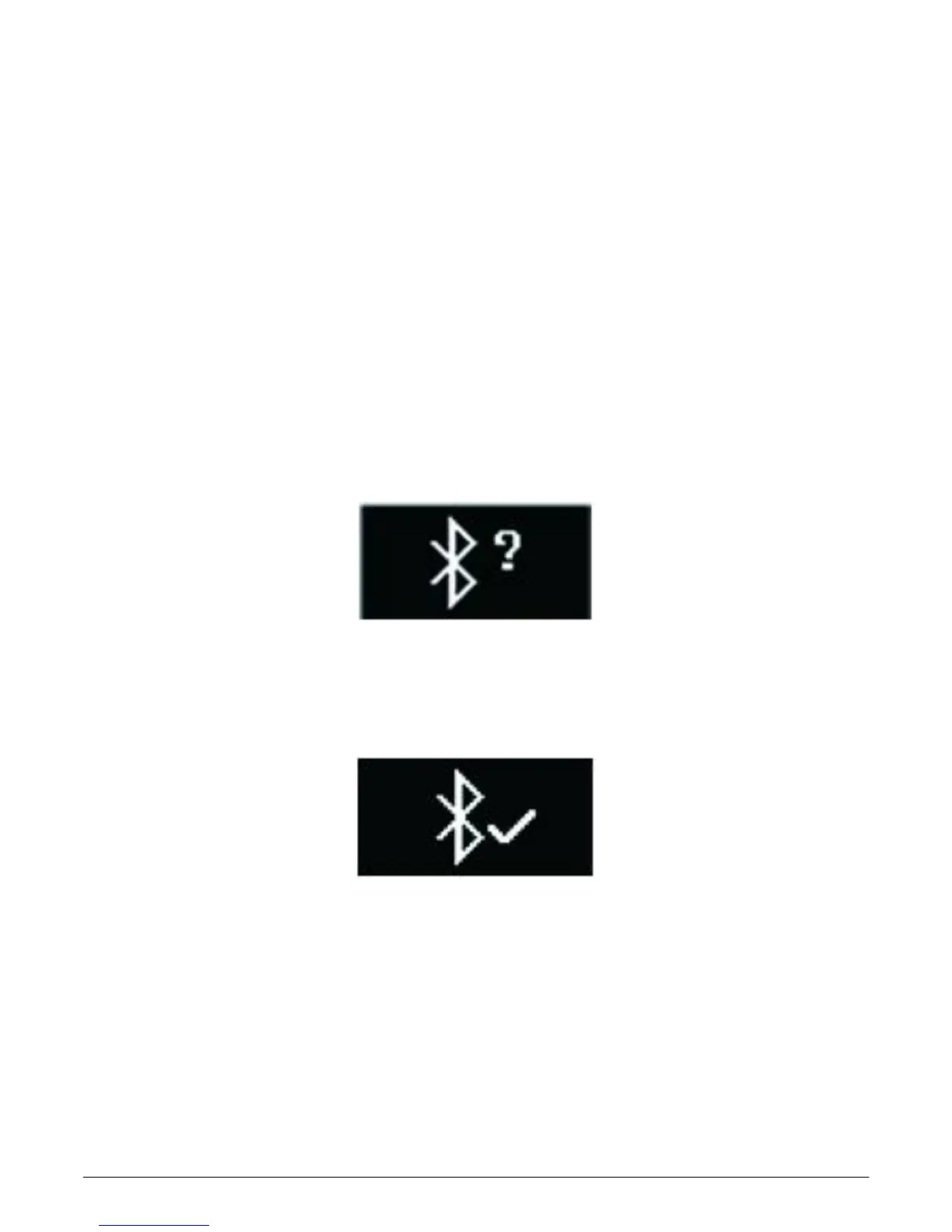
4. A connection request will be shown on your mobile device. Click on the
watch screen to accept the connection;
5. When the watch is connected successfully, both your watch and mobile
device will receive a notification.
If the connection is not successful, please repeat the same steps.
The connection is a one-time process. If you would like to connect the
watch with other account, you must cancel the existing connection first.



 To Next Page