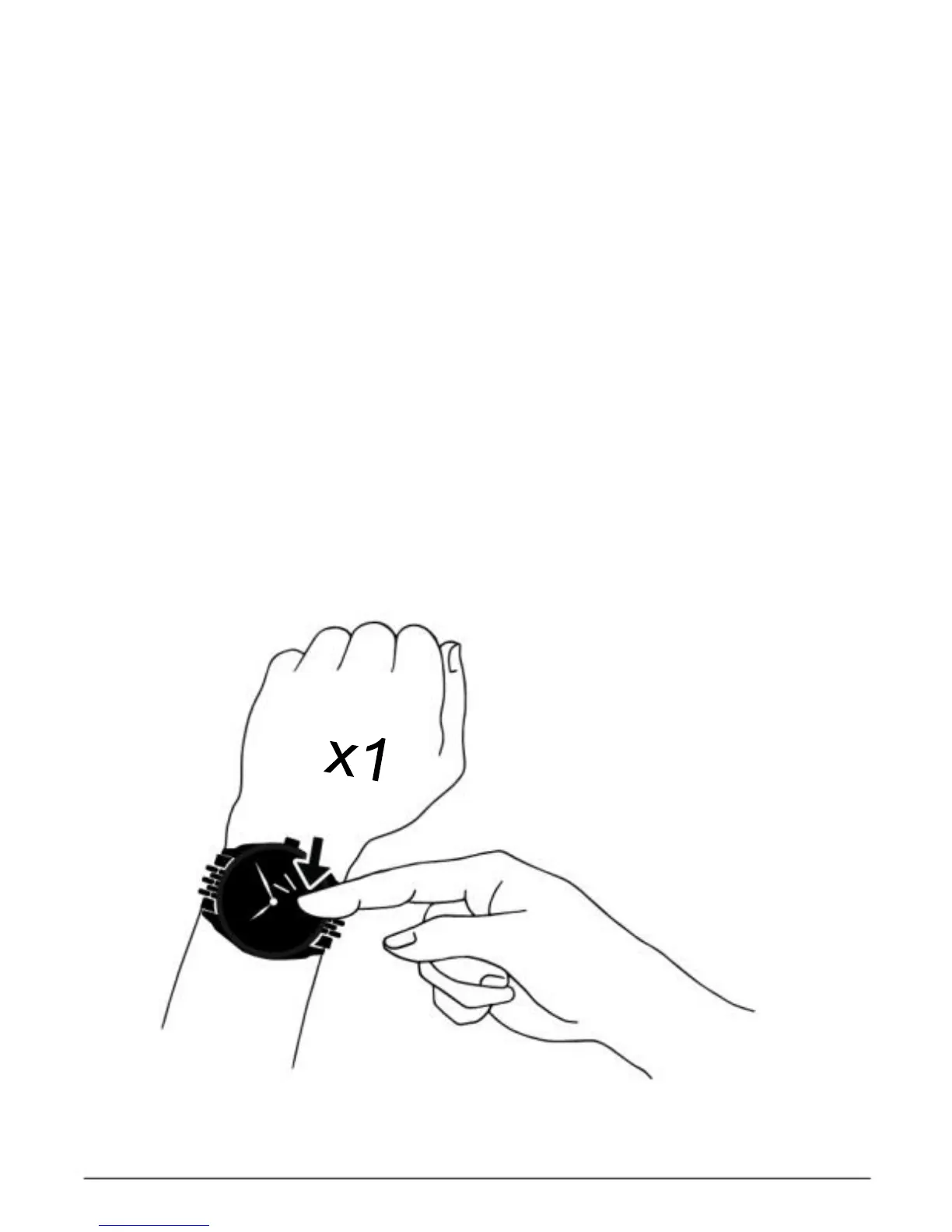
Booting up the device
You can turn on the screen by tapping
the sensor area of the device once.
The watch touch screen will only respond when the specified
sensor area is tapped.
The watch screen will go off when
not in use. Please tap the sensor
area to boot up the device.
To make sure that the watch will respond
accurately to your tapping, we recommend
that you use your finger tip instead of
finger nail.



 To Next Page