How to installation (For Android)
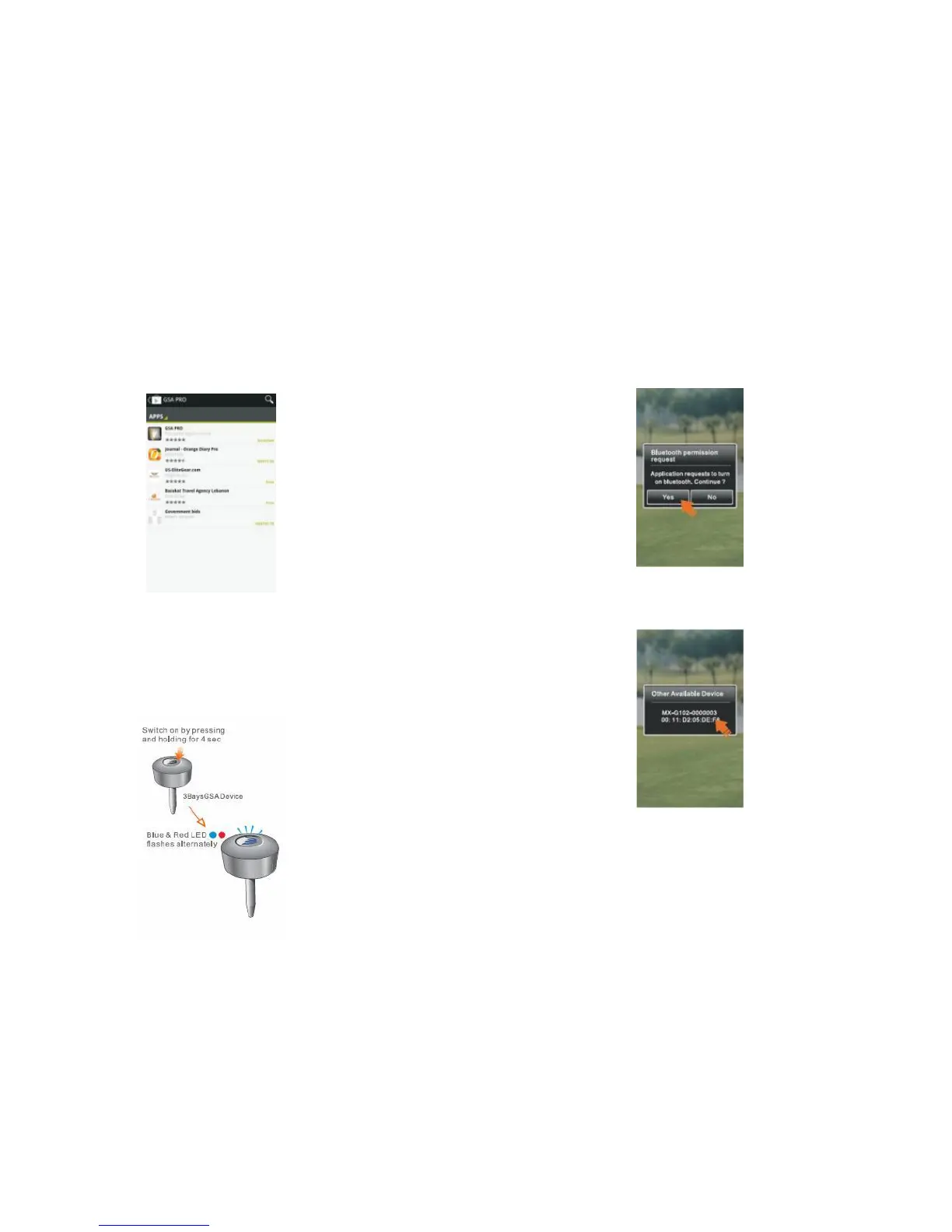
1. Install GSA PUTT mobile app
1.1 Access Google Play and search for “ GSA PUTT”
1.2 Select and install GSA PUTT into your mobile
2. Pair your device with GSA PUTT app
2.1 Long Press the Power button for 5s to turn on your
device and start with pairing mode Blue & Red LED
should flash alternately.
2.2 Start GSA PUTT apps in your mobile, then click Yes
to turn on Bluetooth.
2.3 Select the 3BaysGSA Device (serial no. is marked
on your device and packaging).
2.4 Enter password “8888” and press “OK” button (it
will be paired automatically if device is paired before).
7



 To Next Page