222 CHAPTER 8: ACL CONFIGURATION
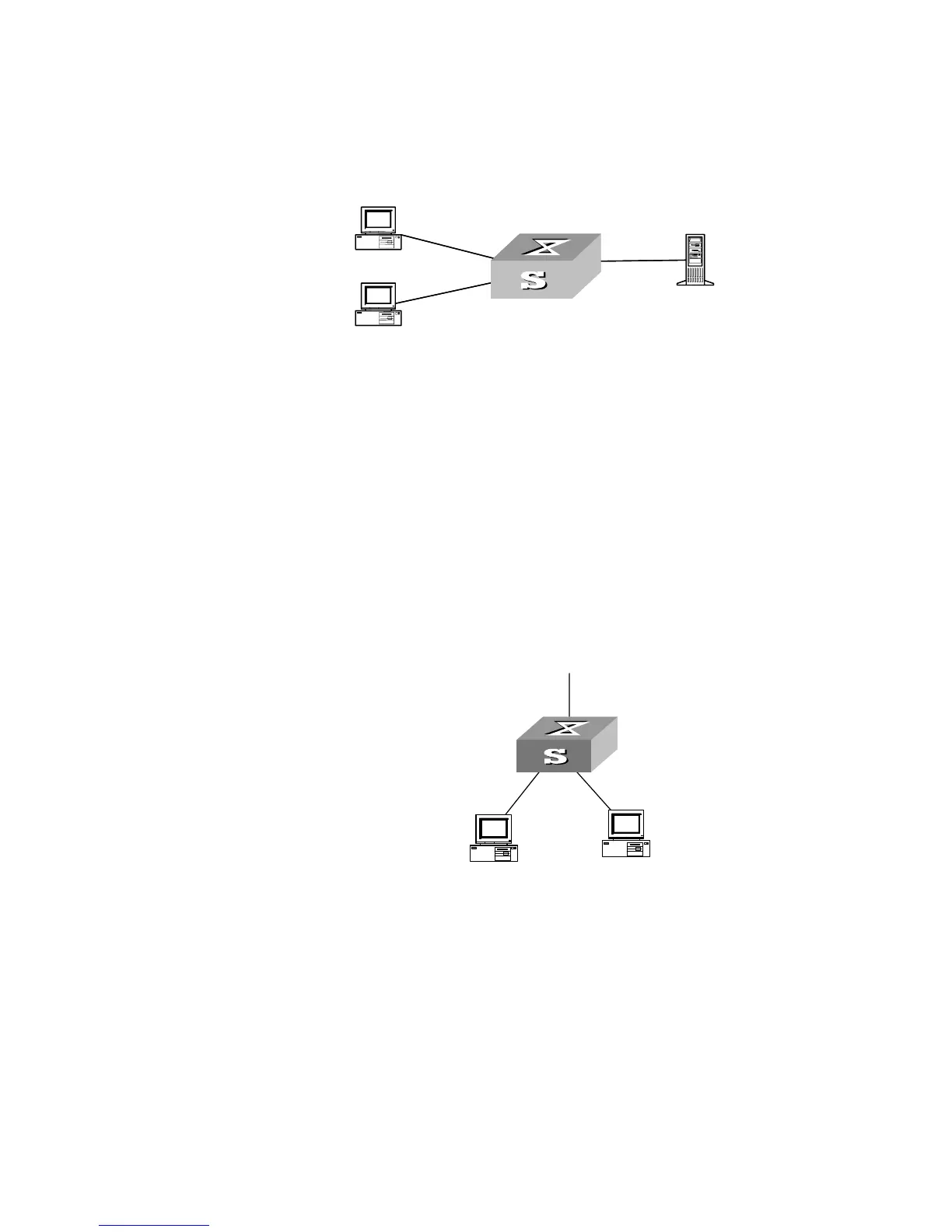
Networking Diagram
Figure 52 QoS Configuration Example
Configuration Procedure
Define port mirroring, with monitoring port being Ethernet3/0/8.
[SW5500-Ethernet3/0/8]monitor-port
[SW5500-Ethernet3/0/1]mirroring-port both
Priority Relabeling
Configuration Example
Networking Requirement
In this example, ef labels are appended on packets sent between 8:00 and 18:00
each day from PC1 (IP 1.0.0.2), as priority labeling reference for the upper-layer
device.
Networking Diagram
Figure 53 QoS Configuration Example
Configuration Procedure
1 Define the time range.
Define the time range 8:00~18:00.
[SW5500]time-range 3Com 8:00 to 18:00 daily
2 Define traffic rules for PC packets.
a Enter the number-based basic ACL and select the ACL 2000.
[SW5500]acl number 2000
b Define traffic classification rules for PC1 packets.
[SW5500-acl-basic-2000]rule 0 permit source 1.0.0.2 0 time-range
3Com
Server
E3/0/2
E3/0/1
E3/0/8
E2/0/8
E2/0/1
E20/2
VLAN2,
1.0.0.1/8
VLAN3,
2.0.0.1/8
PC1
PC2













 To Next Page