QoS Profile Configuration 223
3 Relabel ef priority for PC1 packets.
[SW5500-Ethernet1/0/1]traffic-priority inbound ip-group 2000 dscp ef
QoS Profile
Configuration
When used together with the 802.1x authentication function, the QoS profile
function can offer preconfigured QoS settings for a qualified user in
authentication (or a group of users).
When the user passes the 802.1x authentication, the Switch delivers the right
profile dynamically to the port from which the user is accessed after referring to
the mapping between user names and profiles stored on the AAA server.
The QoS profile function can offer packet filtering, traffic policing and preference
replacing functions together.
QoS Profile
Configuration
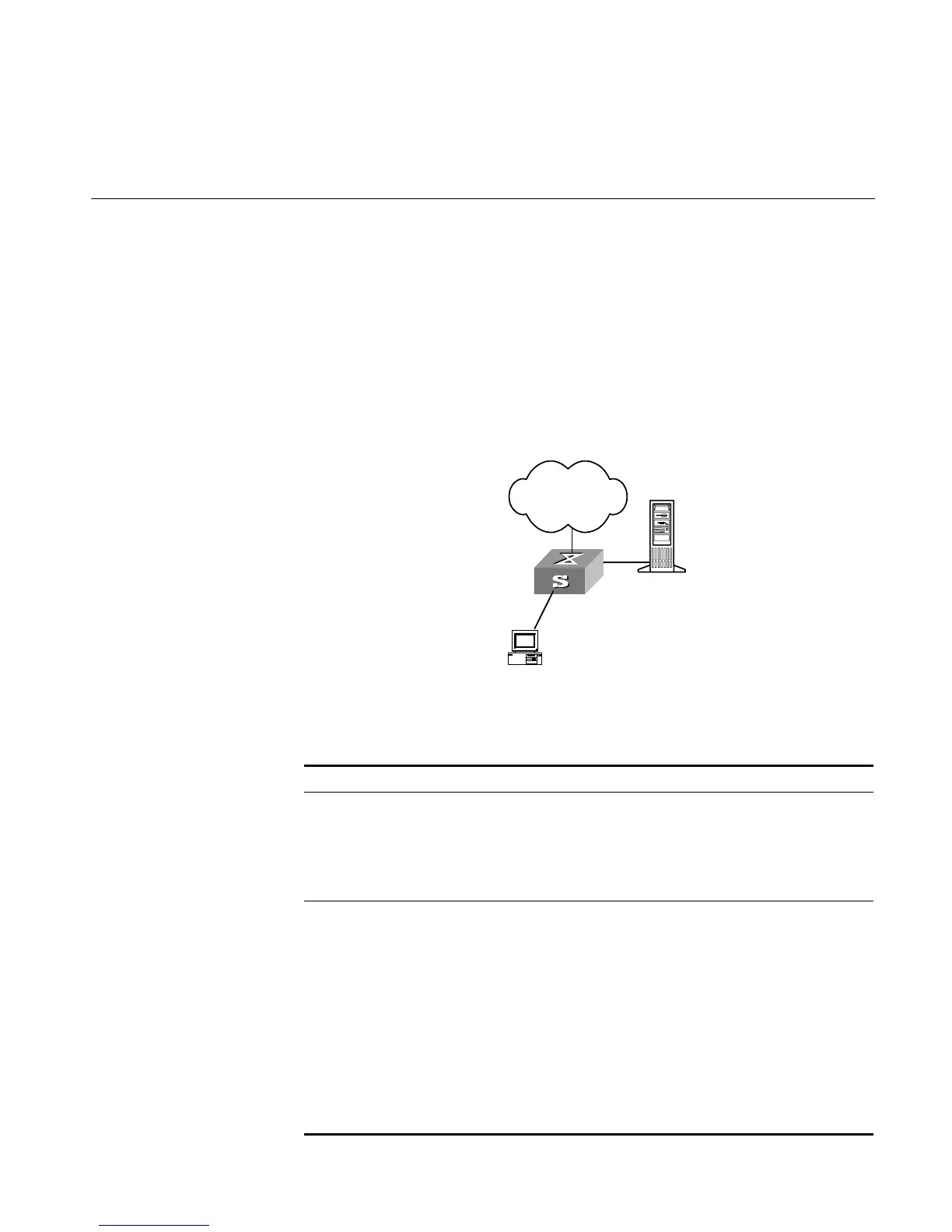
Figure 54 QoS Profile Configuration Environment
QoS profile configuration details:
Tab le 248 QoS Profile Configuration
Device Configuration Default Description
AAA server Configure user
authentication
information
–– ––
Configure mapping
between user names and
QoS profile
–– Multiple users can correspond to
the same QoS profile.
Switch Enable 802.1x
authentication function
–– Refer to the Security part of this
manual for detailed
configuration.
Define application mode
on the port of QoS profile
Port-based
mode
You can change it to user-based
mode
Configure QoS profile,
including packet filtering,
traffic policing and
preference replacing
–– First define an ACL and then
configure the QoS function.
Refer to the ACL chapter of the
QoS/ACL module for defining
ACL
Apply QoS profile to the
port
–– You can apply the QoS profile
actions to the current port with
the right commands.
Network
AAA Server
Switch
User
Network













 To Next Page