310 CHAPTER 12: FILE SYSTEM MANAGEMENT
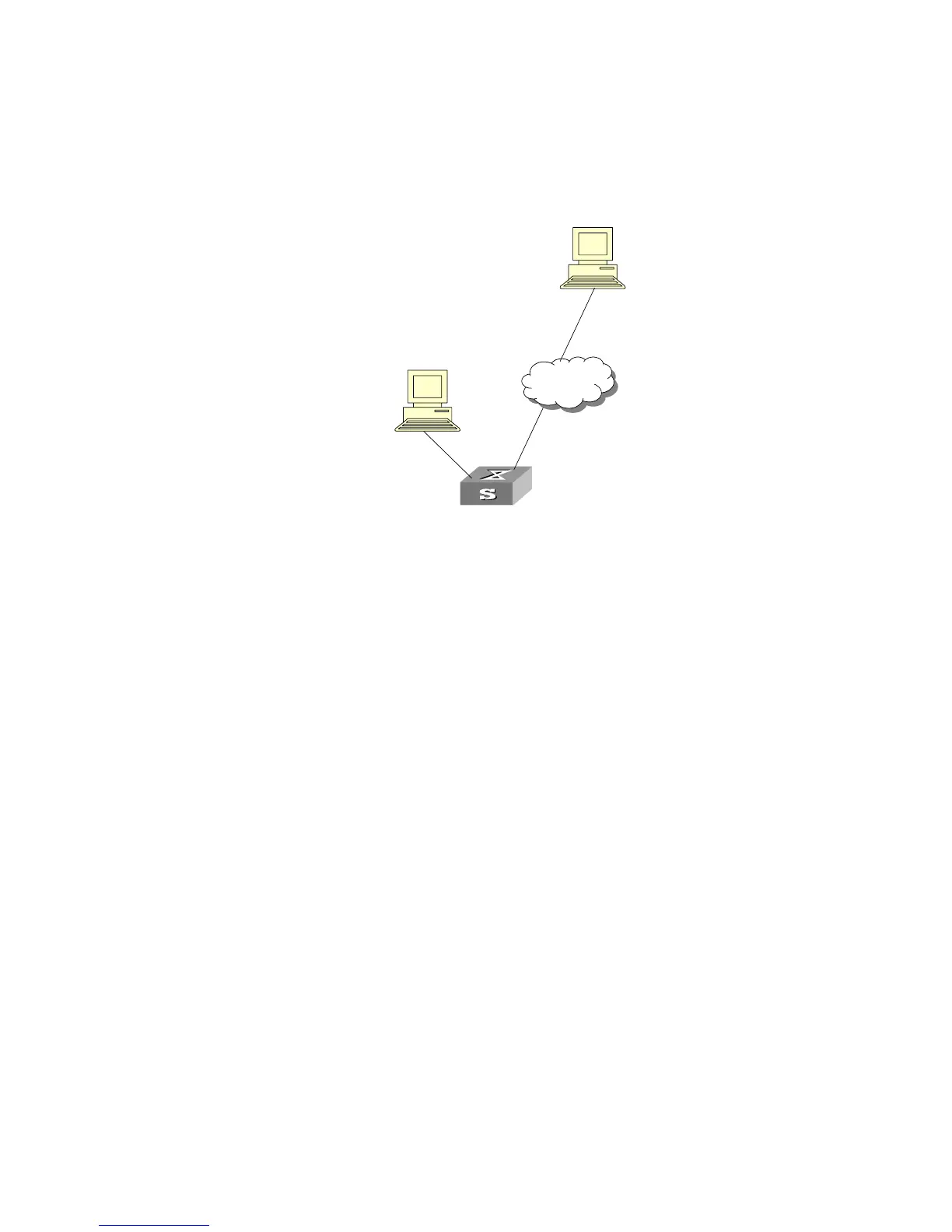
Networking diagram
Figure 77 Display MAC address table
Configuration procedure
The display command shows a stack wide view of the MAC address table.
[SW5500]display mac-address
MAC ADDR VLAN ID STATE PORT INDEX AGING TIME(s)
00e0-fc00-3943 1 Learned GigabitEthernet1/0/11 300
0000-0000-5100 1 Learned GigabitEthernet2/0/22 300
0020-9c08-e774 1 Learned GigabitEthernet2/0/7 288
0000-0000-5000 1 Learned GigabitEthernet2/0/3 143
--- 4 mac address(es) found ---
MAC Address Table
Management
Configuration Example
Networking Requirements
The user logs into the Switch via the Console port to configure the address table
management. It is required to set the address aging time to 500s and add a static
address 00e0-fc35-dc71 to GigabitEthernet1/0/2 in vlan1.
Console Port
Network Port
Switch
Internet













 To Next Page