Device Management 313
Tab le 360 Display and Debug Device Management
Device Management
Configuration Example
Networking Requirement
The user logs into the Switch using Telnet, downloads the application from the FTP
server to the flash memory of the Switch, and implements remote upgrade using
the right commands.
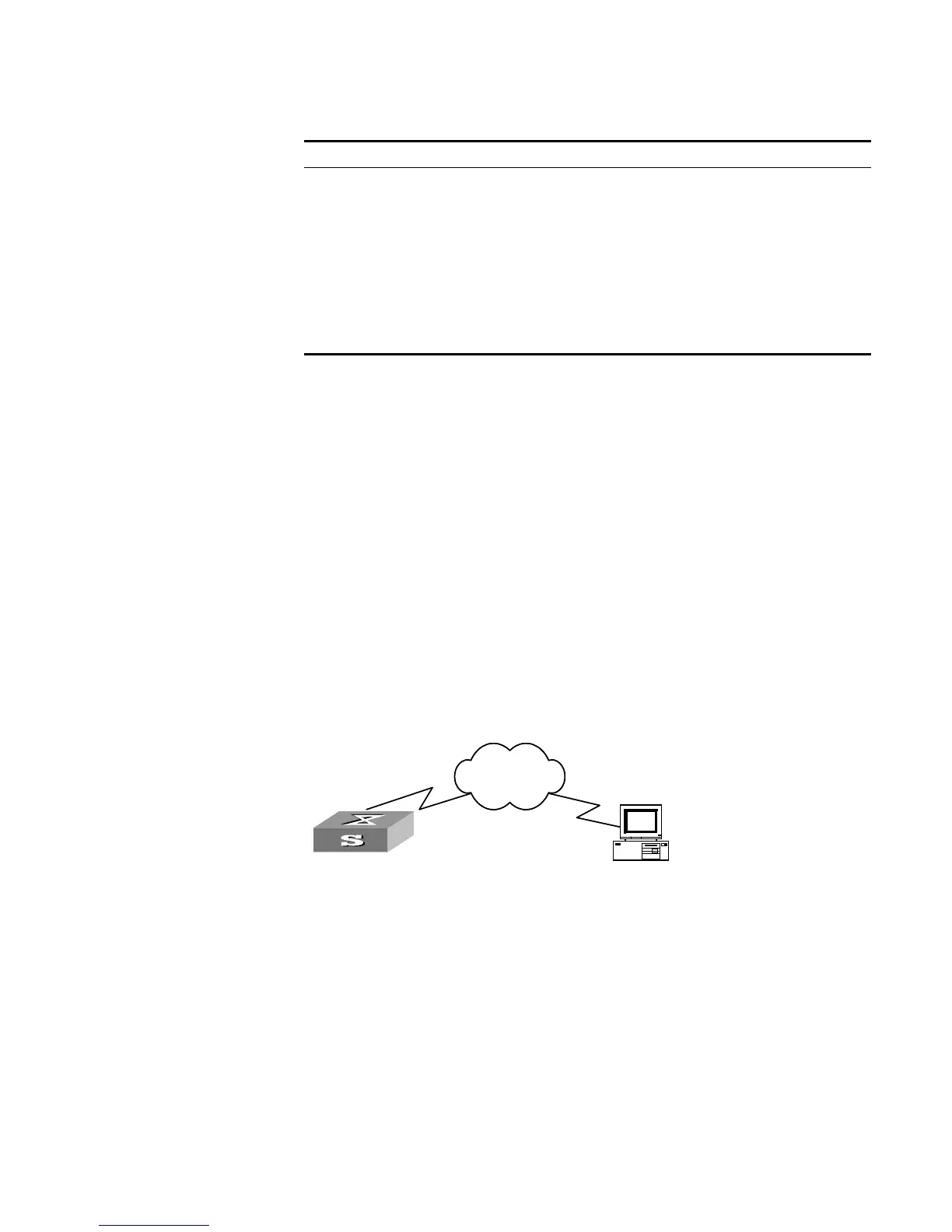
The Switch serves as FTP client and the remote PC as FTP server. The configuration
on the FTP server: Configure an FTP user named as Switch, with password hello
and with read and write authority over the Switch root directory on the PC. The IP
address of a VLAN interface on the Switch is 1.1.1.1, and that of the PC is 2.2.2.2.
The Switch and PC are reachable.
The Switch applications
Switch.app
and
boot.app
are stored on the PC. Using
FTP, the Switch can download the
switch.app
and
boot.app
from the remote FTP
server.
Networking Diagram
Figure 79 Networking for FTP Configuration
Configuration Procedure
1 Configure FTP server parameters on the PC. Define a user named as
Switch
,
password
hello
, read and write authority over the Switch directory on the PC.
2 Configure the Switch
The Switch has been configured with a Telnet user named as
user
, as 3-level user,
with password
hello
, requiring username and password authentication.
Use the telnet command to log into the Switch.
<SW5500>
Operation Command
Display the module types and running states
of each card.
display device [ unit
unit-id
]
Display the running state of the built-in fans. display fan [ unit
unit-id
]
Display the Used status of Switch memory display memory [ unit
unit-id
]
Display the state of the power. display power [ unit
unit-id
] [
power-ID
]
Display the APP to be applied when
rebooting the Switch.
display boot-loader [ unit
unit-id
]
Display the busy status of CPU display cpu [ unit
unit-id
]
Switch
PC
Network
SwitchSwitch
PC
Network













 To Next Page