HWPing 323
Typical HWPing
Configuration Example
Like ping test, ICMP test in HWPing determines the roundtrip delay of a packet by
making use of ICMP.
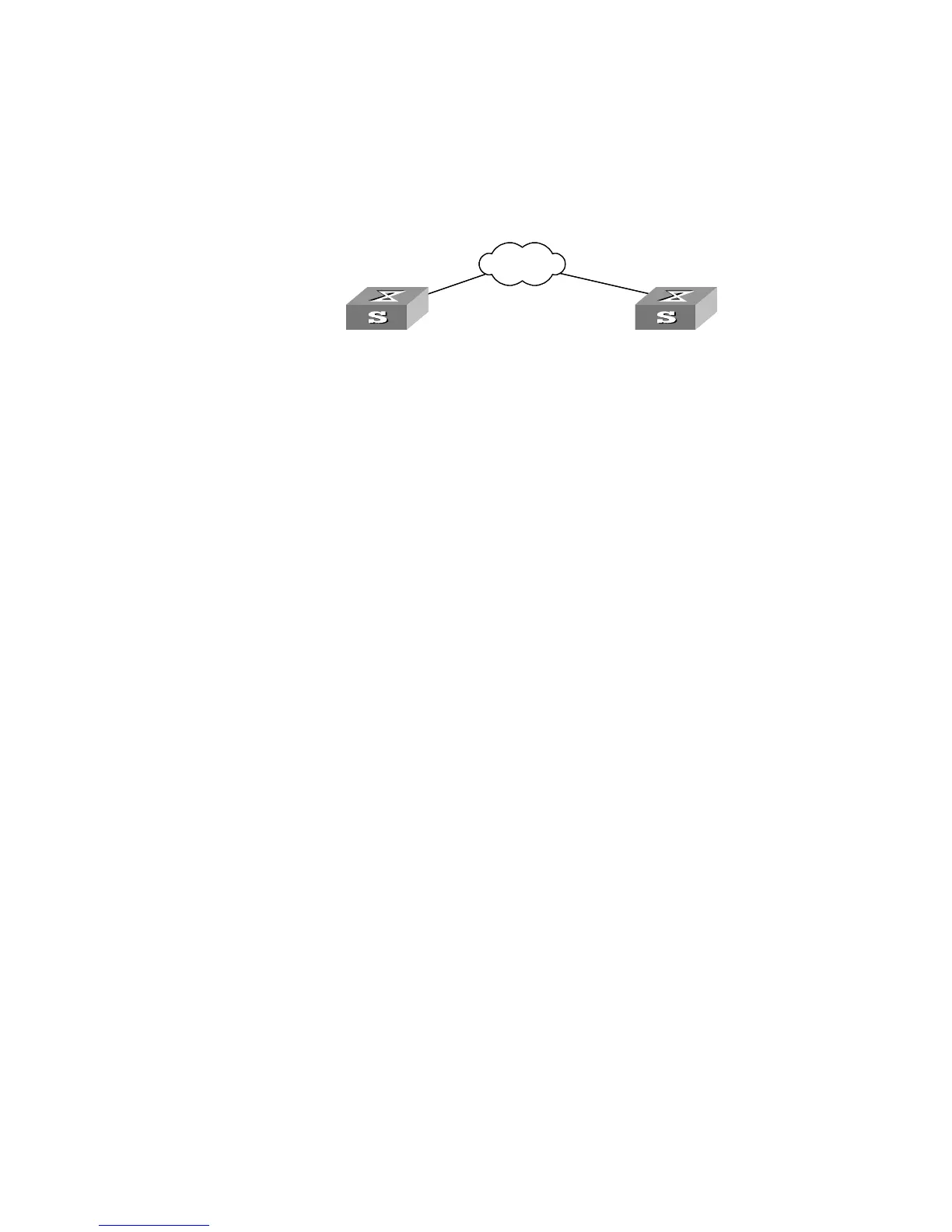
Network Diagram
Figure 82 HWPing
Configuration Procedure
Steps 1 to 3 and 6 are required for an ICMP test and the remaining three steps are
optional.
Enable HWPing Client.
[SW5500]hwping-agent enable
1 Create an HWPing test group, given an administrator name “administrator” and a
test operations is “icmp”.
[SW5500]hwping administrator icmp
2 Set the test type to ICMP.
[SW5500-hwping-administrator-icmp]test-type icmp
3 Configure a destination IP address 169.254.10.2.
[SW5500-hwping-administrator-icmp]destination-ip 169.254.10.2
4 Configure the number of test messages
[SW5500-hwping-administrator-icmp]count 10
5 Configure the timeout time.
[SW5500-hwping-administrator-icmp]timeout 3
6 Enable a test.
[SW5500-hwping-administrator-icmp]test-enable
7 View the test result.
[SW5500-hwping-administrator-icmp]display hwping result
administrator icmp
[SW5500-hwping-administrator-icmp]display hwping history
administrator icmp
X.25
Internet
HW Ping Client
Switch A
Switch B
X.25
Internet
X.25
Internet
HW Ping Client
Switch A
Switch B













 To Next Page