380 CHAPTER 12: FILE SYSTEM MANAGEMENT
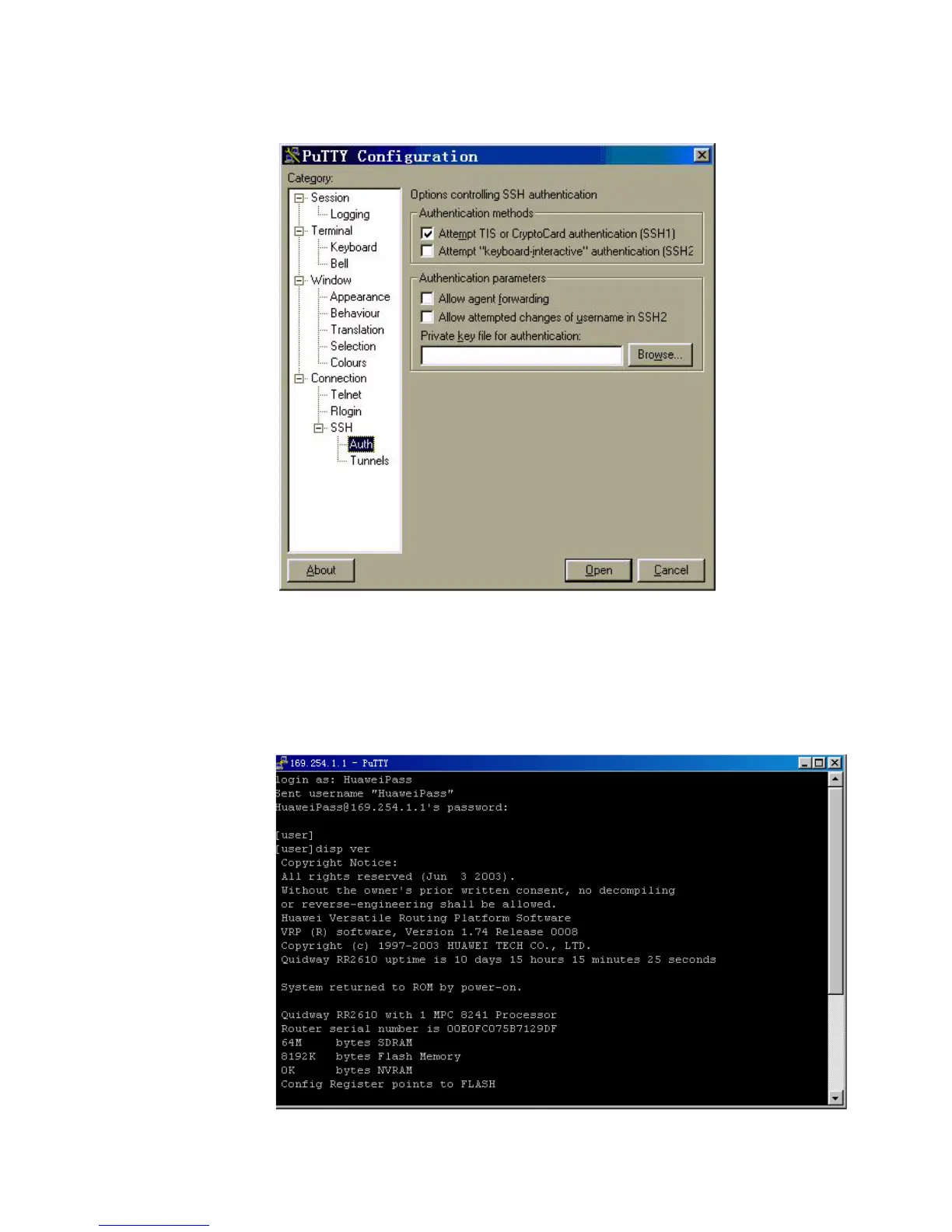
Figure 103 SSH client configuration interface (3)
Click Browse to enter the File Select interface. Choose a desired file and click OK.
Opening SSH Connection
Click Open to enter SSH client interface. If it runs normally, you are prompted to
enter username and password. See the following figure.
Figure 104 SSH client interface
Key in the correct username and password and log into SSH connection.













 To Next Page