SSH Terminal Services 381
Log out of SSH connection with the logout command.
Displaying and Debugging SSH
Run the display command in any view to view the running of SSH and further to
check configuration result.
Run the debugging command to debug the SSH.
Perform the following configurations in any view.
Tab le 457 Display SSH Information
SSH Configuration
Example
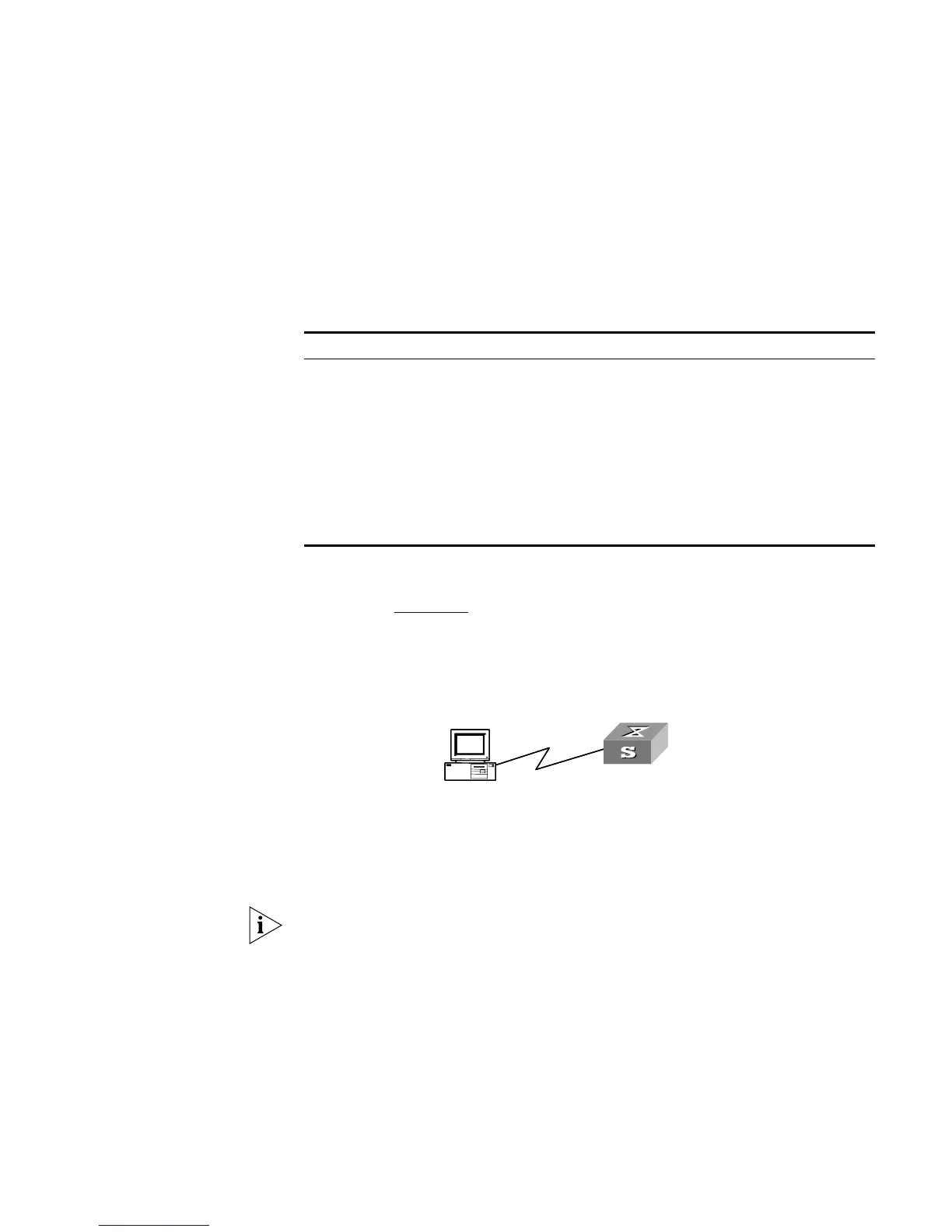
Networking Requirements
As shown in Figure 105, configure a local connection from the SSH Client to the
Switch. The client uses SSH protocol to access the Switch.
Networking Diagram
Figure 105 Networking for SSH Local Configuration
Configuration Procedure
1 You should run this command before any other configuration:
[SW5500]rsa local-key-pair create
If you have configured local key pair in advance, this operation is unnecessary.
2 For password authentication mode
[SW5500]user-interface vty 0 4
[SW5500-ui-vty0-4]authentication-mode scheme
[SW5500-ui-vty0-4]protocol inbound ssh
[SW5500]local-user client001
[SW5500-luser-client001]password simple 3com
[SW5500-luser-client001]service-type ssh
[SW5500]ssh user client001 authentication-type password
Select the default values for SSH authentication timeout value, retry value and
update interval of server key. Then run SSH1.5 client program on the PC which is
Operation Command
Display host and server public keys display rsa local-key-pair public
Display client RSA public key display rsa peer-public-key [ brief |
name
keyname
]
Display SSH state information and
session
display ssh server { status | session }
Display SSH user information display ssh user-information [
username
]
Enable SSH debugging debugging ssh server { VTY
index
| all }
Disable SSH debugging undo debugging ssh server { VTY
index
|
all }
SSH Client
Switch
SSH Client
Switch













 To Next Page