Setting Up A RADIUS Server 391
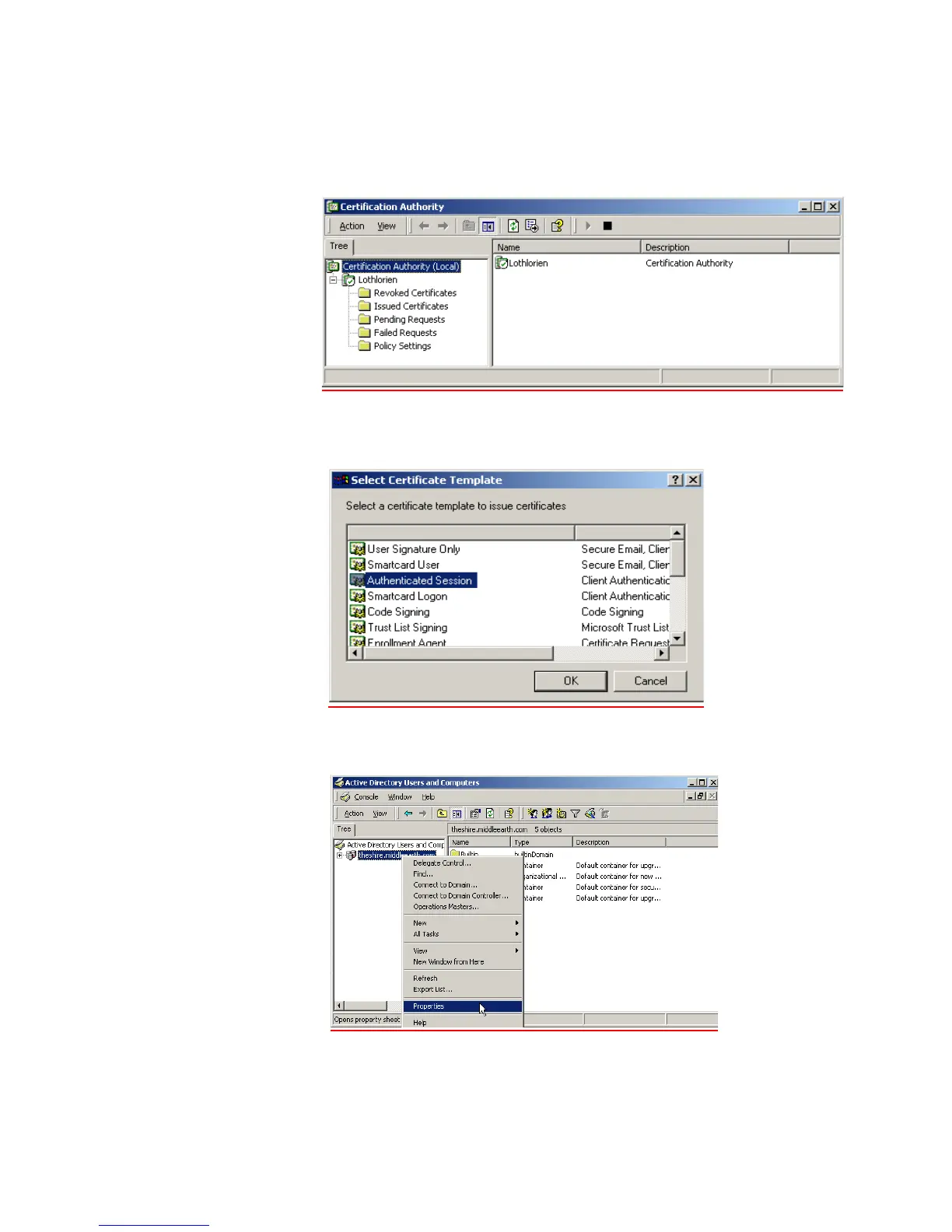
5 Configure a Certificate Authority
a Go to Programs > Administrative Tools > Certification Authority and right-click
Policy Settings under your Certificate Authority server.
b Select New > Certificate to Issue
c Select Authenticated Session and select OK.
d Go to Programs > Administrative Tools > Active Directory Users and Computers
and right-click your active directory domain. Select Properties













 To Next Page