Setting Up A RADIUS Server 415
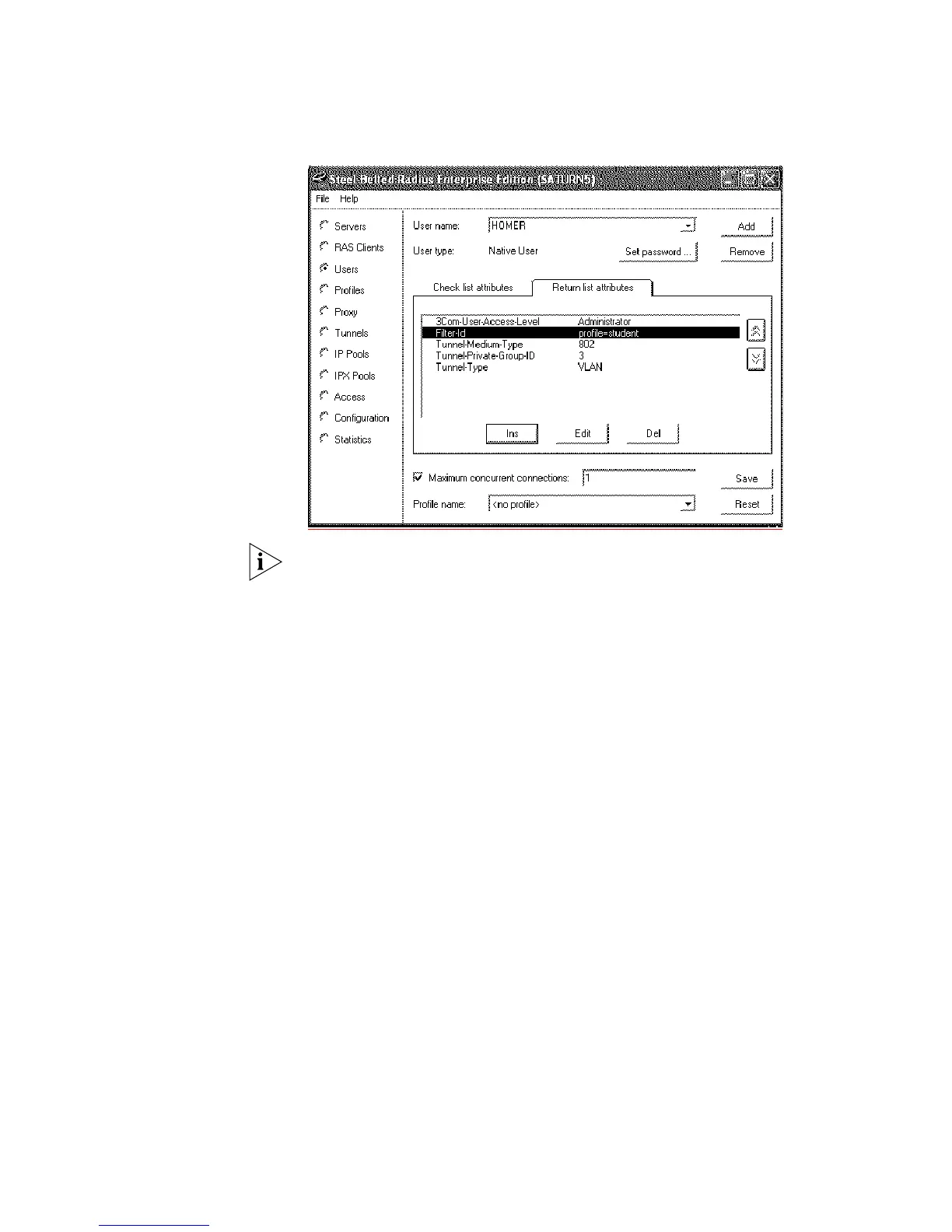
The following example shows the User name HOMER with the correct Return list
Attributes inserted,
The VLANs and QoS profiles must also be created on the 3Com Switch 5500G-EI.
Configuring FreeRADIUS 3Com has successfully installed and tested FreeRADIUS running on Solaris 2.6 and
RedHat Linux servers in networks with the Switch 5500G-EI deployed.
Download FreeRADIUS source files from http://www.freeradius.org and install
the application following the instructions from the website. The following
instructions assume that you have installed a standard version of FreeRADIUS.
To configure FreeRADIUS as a RADIUS server for networks with the Switch
5500G-EI, follow these steps:
1 Add each Switch 5500G-EI as a RADIUS client to the FreeRADIUS server
a Locate the existing file clients.conf in /usr/local/etc/raddb
b Add an entry in clients.conf for the Switch 5500G-EI you wish to administer.
For example:
client xxx.xxx.xxx.xxx {
secret = a-shared-secret
shortname = a-short-name
}
Where xxx.xxx.xxx.xxx is the IP address of the 3Com Switch 5500G-EI.
2 Update the dictionary for Switch login
a In /usr/local/etc/raddb create a new file called dictionary.3Com
containing the following information:
VENDOR 3Com 43
ATTRIBUTE 3Com-User-Access-Level 1 Integer 3Com
VALUE 3Com-User-Access-Level Monitor 1
VALUE 3Com-User-Access-Level Manager 2
VALUE 3Com-User-Access-Level Administrator 3













 To Next Page