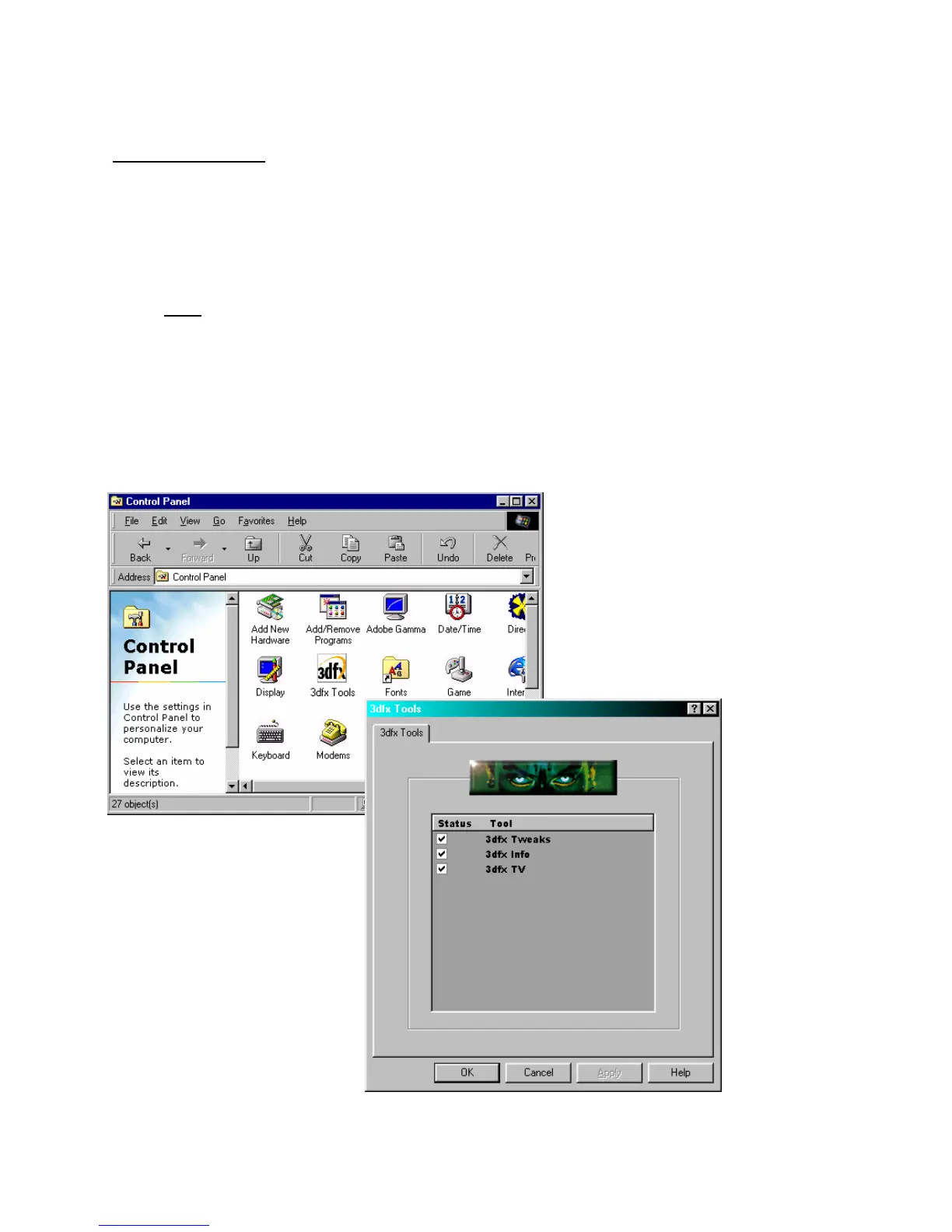
Control Page Applet
This is the page that controls all the other pages that are requested by the OEM or retail
group. Each of the other pages will be 'equipped' from this page. If the retail group decides that
all the pages are just too much for the general user, the DEFAULT loaded pages will be 'un-
equipped' and not shown; however, if the user wants to go back an re-enable the page, all
he/she has to do is click on the page name and it's back.
Note: The Control page should be populated with data from the actual card in the
system. (i.e. If a Banshee is installed, the LCD and TV out pages will not show up)
As more and more features are added to 3dfx Tools, more items will be added to the list
of items that can be enabled or disabled. The entire purpose of this page is to organize and
keep the visible tab/pages under control. This way, if the user decides that he/she never wants
to see the TV Out page because he doesn't use it, he/she un-checks the item and it's gone until
which time that he/she wants it back.
New graphics from v1.2.0.16 – 3/31/1999



 To Next Page