3DP Moving and Folding the Gantry
Approved By: Date: <6/14/2016> Page 9 of 11
WI XXXX-xxxxxx– 3DP Moving the Printer
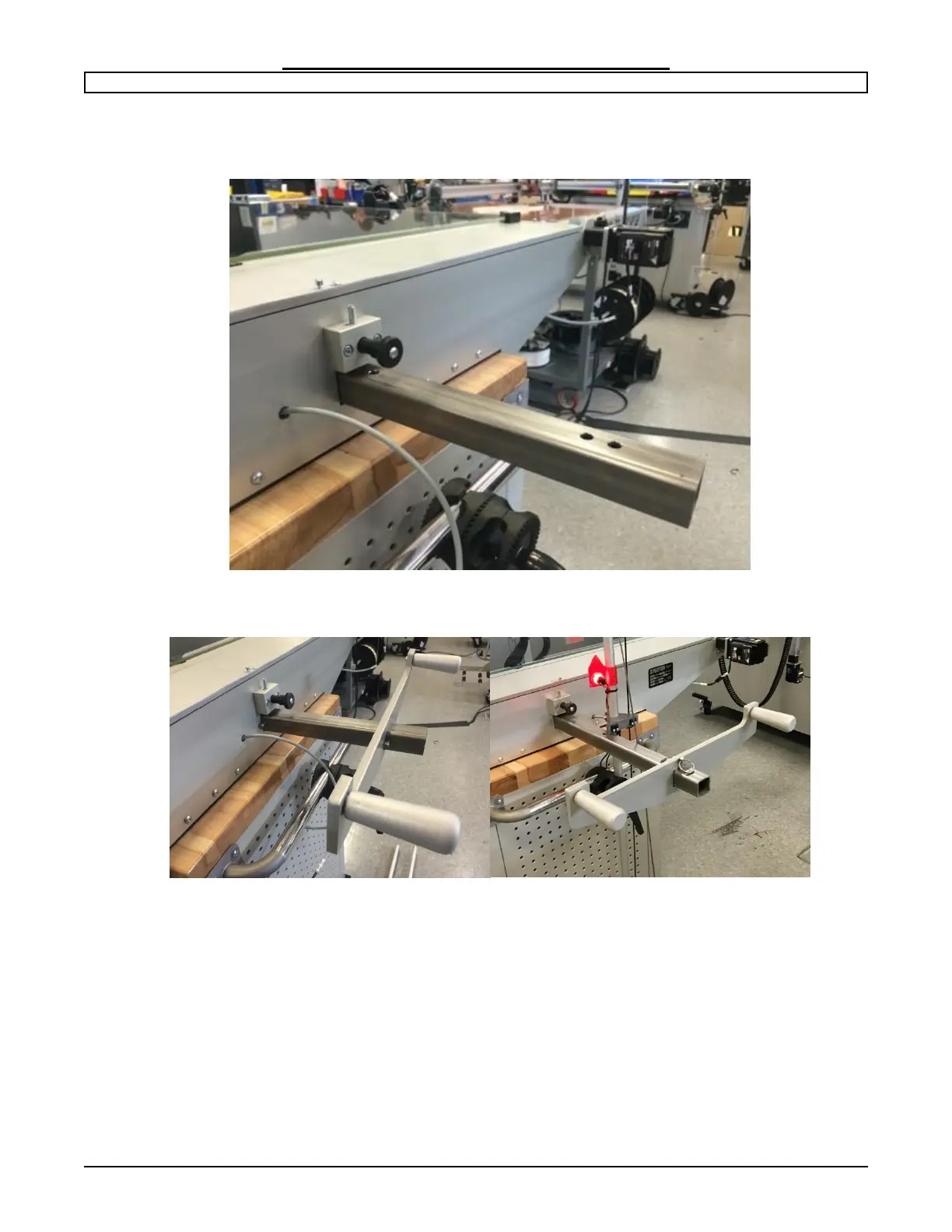
Push the rod until the third hole is accessible from both ends of the printer. Insert the
clevis pins to hold the rod in place.
Push the handles on each end and position between the two (2) holes and secure with
clevis pins.


 To Next Page