4
continue to use alcohol to clean the silicone switches, but use only a dry cloth to clean the circuit
board.
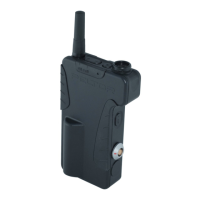
• Symptoms of hearing constant programming tones in C860 Belt Packs can be caused by dirty
switches or poor solder connections to the switch circuit board. Clean the silicone switches with
alcohol or replace them. Clean the switch circuit board with a clean dry cloth. Resolder the
wiring header from the switch circuit board to the main board.
• If a C860 belt is not long enough to fit an operator, a second belt can be added by simply
connecting the buckles.
• The C860 Lapel Microphone and Earpiece (78-8095-0599-9) was intended for people who find a
headset too obtrusive. The microphone, when mounted on the lapel is too far away from the
mouth to have the same audio level as that of a headset. Consequently, the outbound audio level
will be lower.


 To Next Page