1
#
C-Series Intercom Systems
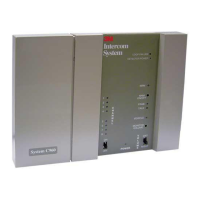
Model C960
Technical Bulletin 3/28/99
No Talk LED or Delayed Talk LED
Some C960/760 base Stations may experience symptoms where the Talk LED won't light at all or lights after a
delay when the Talk button is pressed on any headset. This can also happen to the Page LED when the Page
button is pressed. This usually occurs on C760 Systems, which were recently upgraded by adding C960
Headsets. This is caused by the fact that C960 systems are adjusted to closer tolerances than C760 systems.
Before adjusting anything, make sure the problem is not caused by RF interference. Changing channels is the
usual fix for RF interference.
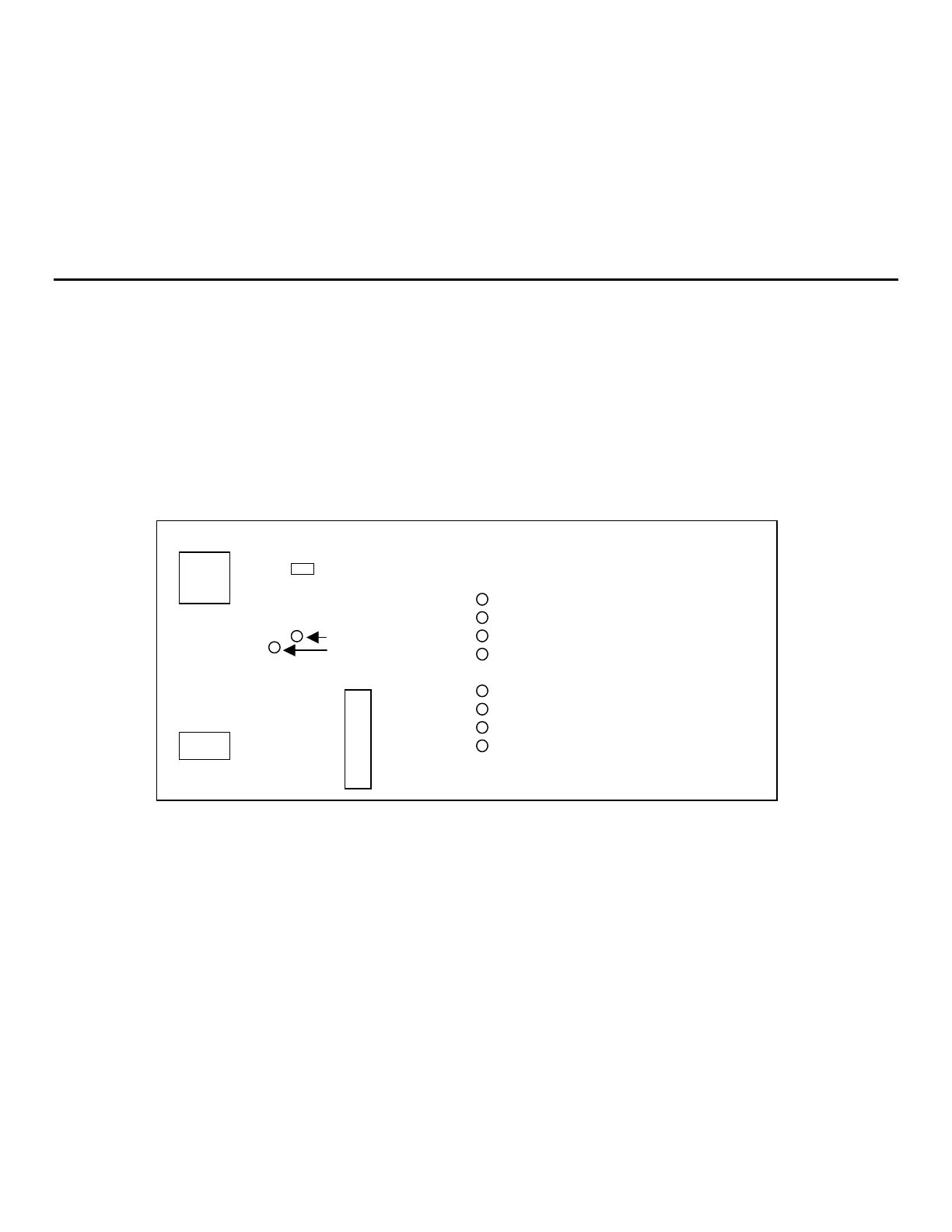
Refer to Figure 1 while performing the following steps:
• Remove both base station covers to expose the entire circuit board.
• Refer to Figure 1. and locate the brown 10K Ohm potentiometer on the Base Station. It is located to the
right of an adjustable white capacitor with a brass screw. It is marked with a number "104". There are no
component designators on the board.
• Mark the original position of the slot on the potentiometer on the board using a pencil.
• Press the Talk button on a programmed headset and adjust the 10k potentiometer counterclockwise until the
Talk LED first lights; continue turning it until the Talk LED goes out.
• Continue pressing the Talk button while turning the potentiometer clockwise, noting where the LED lights
and then goes out.
• Adjust the potentiometer to the mid-point of the range you have noted above. Check to make sure the Talk
button causes the Talk LED to light reliably and with no delay.
RF CAN
Brown 10k
otentiomete
White ad
ustable ca
acito
RF CAN
Figure 1. Base Station Circuit Board
Cr
stal
EEPROM


 To Next Page