Home
3ntr
3D Printers
A4 V2
Page 13
3ntr A4 V2 - Page 13
20 pages
Manual
Save Page as PDF
To Next Page
To Next Page
To Previous Page
To Previous Page
Loading...
F
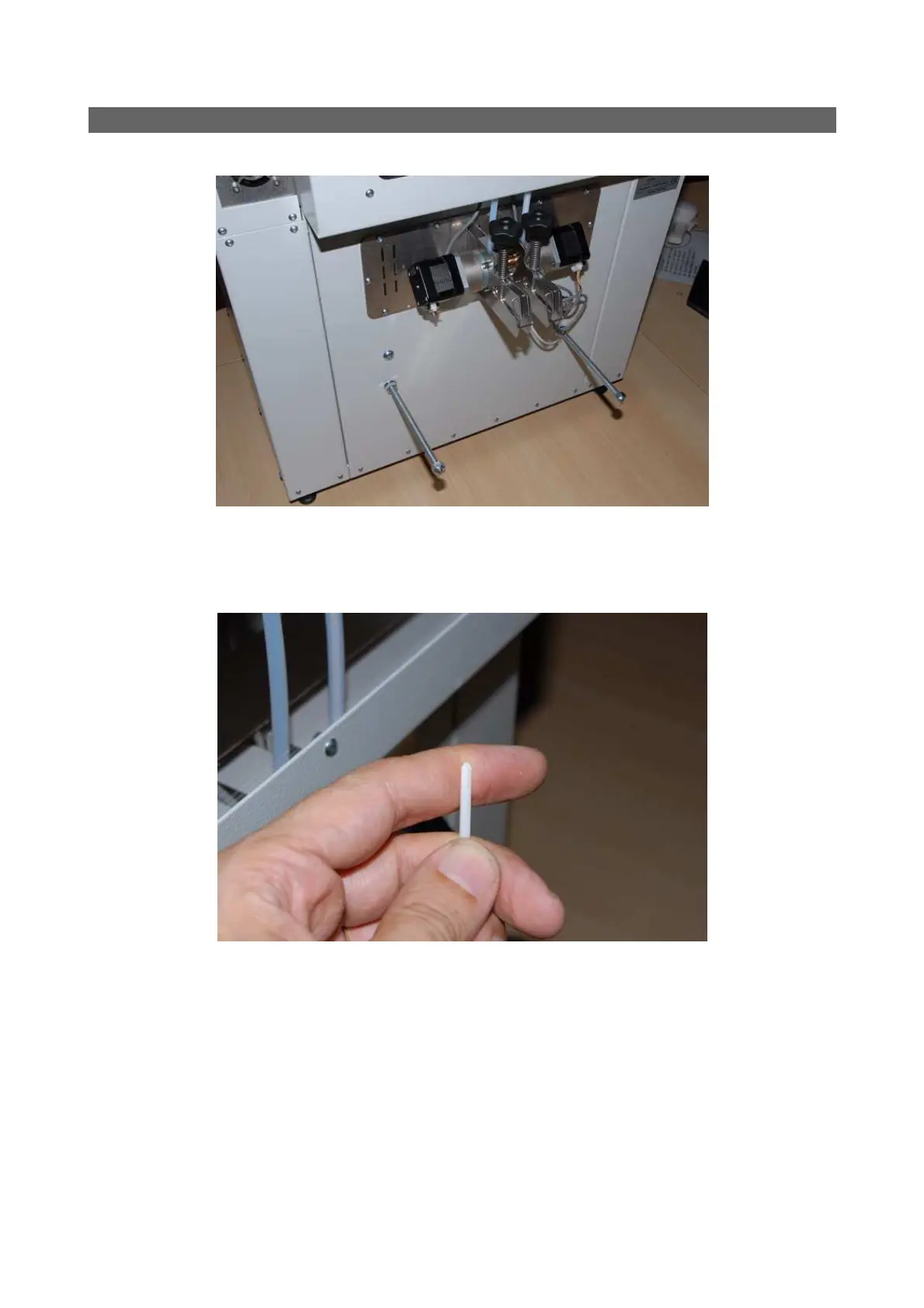
eeding filament to the printer
Reach the printer rear side, place your
spool on the spool holder rod.
W
ith a pencil sharpener or simply using scissors, make a conical point to the
filament end.
Fig. 5: Rear printer side
Fig. 6: Pointed filament end
12
14
Table of Contents
Main Page
Important Safety Advice
3
Installation
5
Using the Printer with Your Computer
6
Host Software
7
Related product manuals
3ntr A2
36 pages
3ntr A4v2
36 pages
3ntr A4v3
52 pages
3ntr A2v2
52 pages



 To Next Page