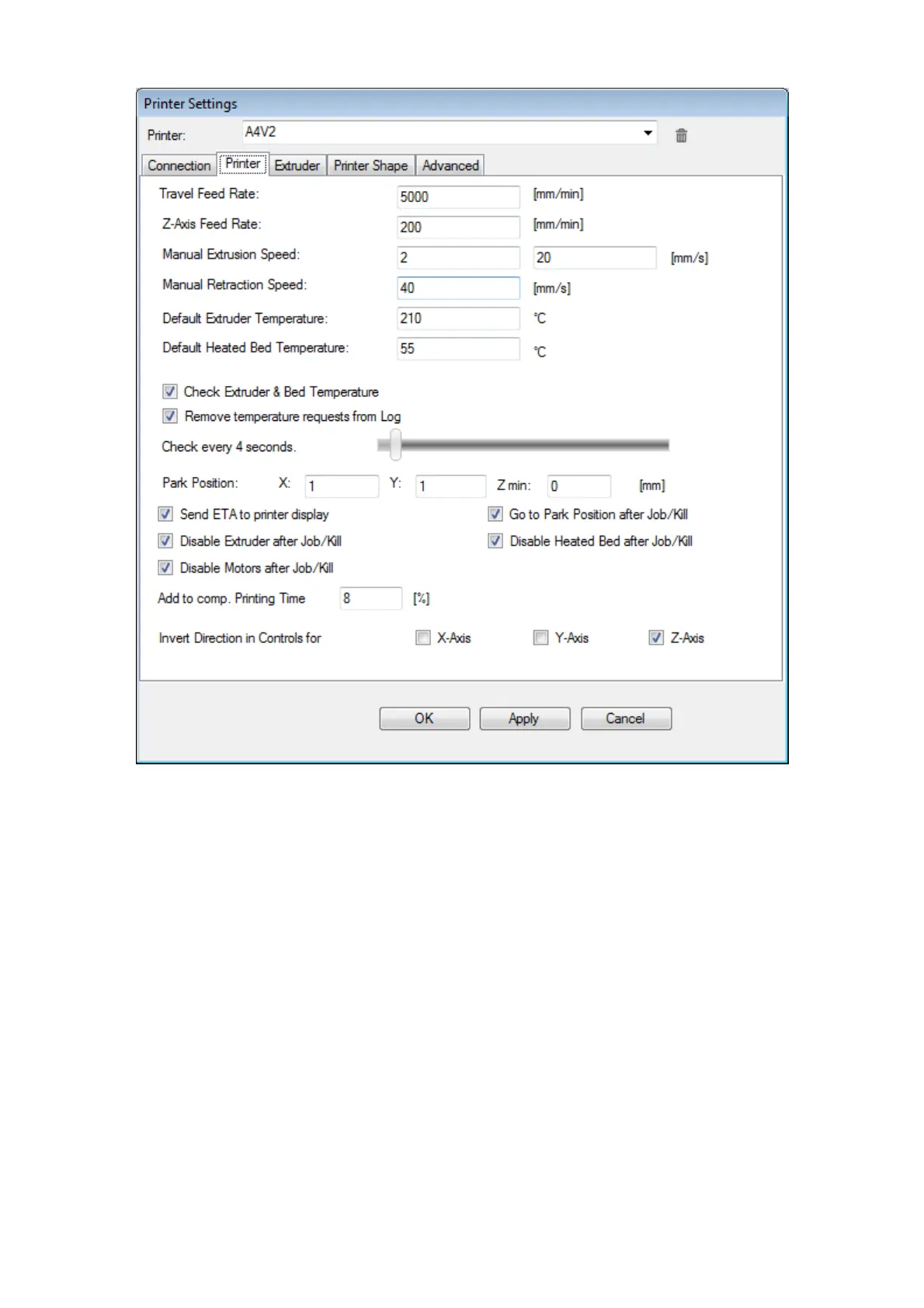
We recommend to set printer defaults as from above figure.
You may want to un-check the last three check boxes if you are using printer in a
continuous production setting (avoiding losing time when machine cools down
between print jobs).
You may opt to always leave on your heated bed (unchecking the “disable heated
bed after job/kill” option): no serious issues with this, other than having higher
electricity bills.
If you choose to always leave on your extruders (unchecking the “disable extruder
after job/kill” option) BE CAREFUL, as if you leave your printer unattended for
hours you may end with degraded polymer inside your nozzle, and with some
polymer you may jam your extruder.
Fig. 2: Printer parameters



 To Next Page