Troubleshooting Tips
Setup is Complete!
• Make sure the watch is fully charged
before trying to set up
• If you can’t pair using the QR Code
method, follow the steps in the
instruction manual to pair using
the manual method
• If the app is having trouble
connecting to the watch, check
your phone’s Bluetooth settings.
Remove all other connected
Bluetooth devices in the list then
try to pair again.
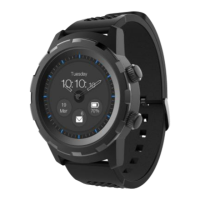
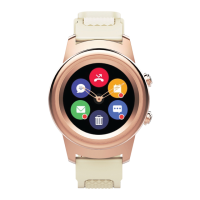
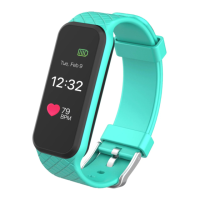
• For more information about your
watch, check out the instruction
manual or visit us online at
www.3plususa.com
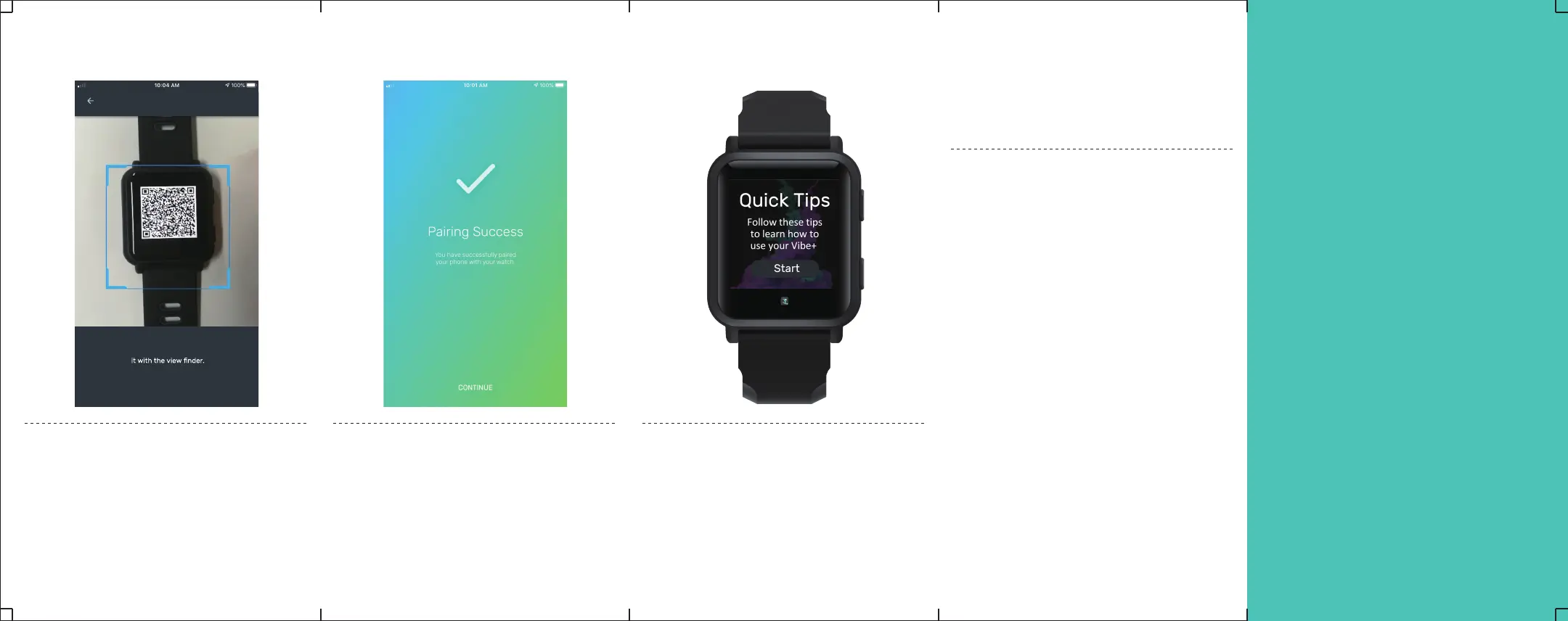
Step 5: Scan the QR Code
Hold your phone’s camera up
to your watch’s QR code and
align it the view finder in the
3+Pro app
Hold the watch up to your
phone’s camera and align
Pair Device
Step 6: Pairing Success
A confirmation message will
appear on the 3+Pro app and
on the watch when it is
successfully paired
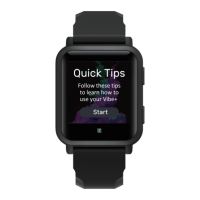
Step 7: Quick Tips
On the Vibe+ follow the on
screen quick tips to learn how
to navigate the watch


 To Next Page