11
2016/01.01
17:51:34
720P
2016/01.01
17:51:34
720P
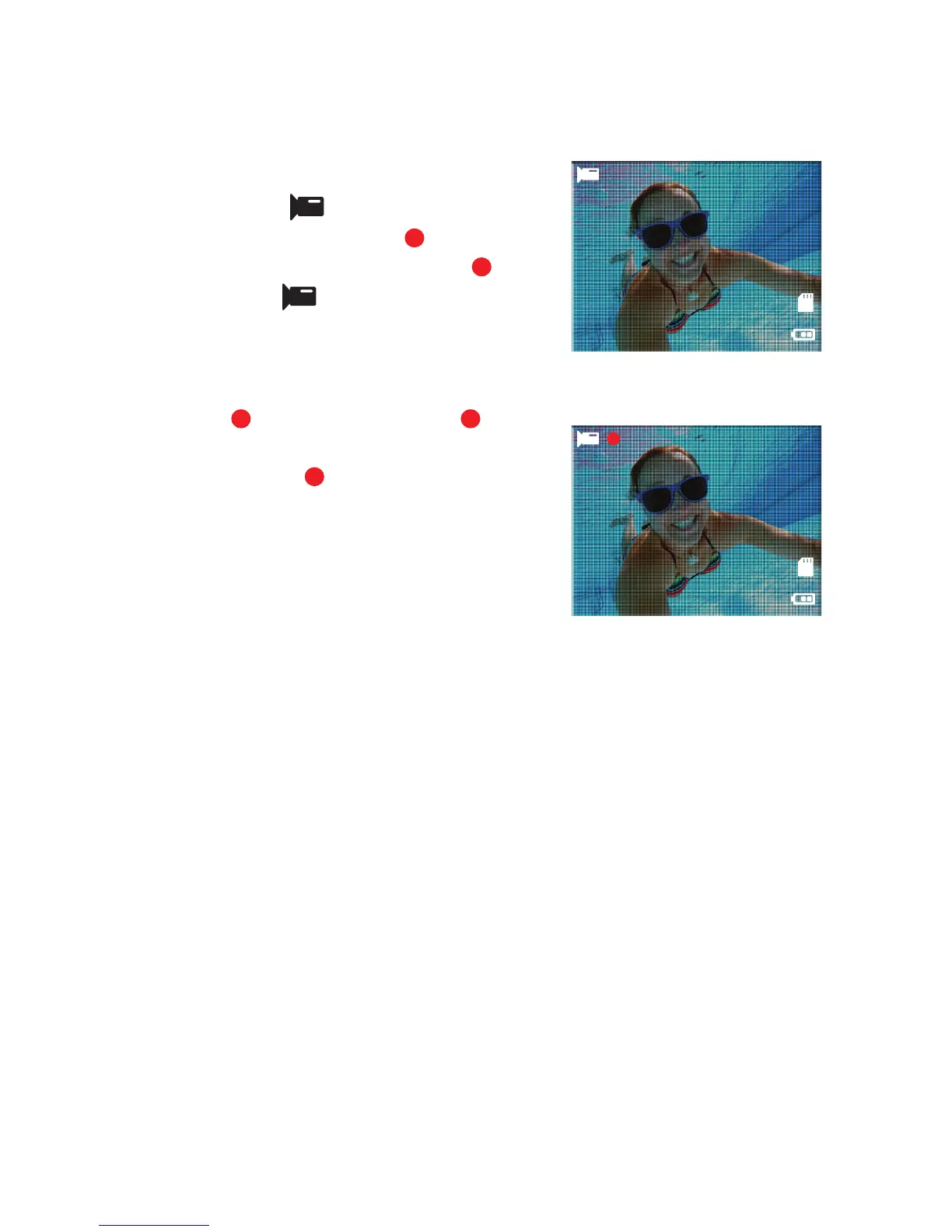
VIDEO MODE
To record a video, make sure the camera
is in Video mode
which should be
displayed on the LCD Screen
. If not,
short press the Power/Mode Buon
repeatedly until
appears.
TO START RECORDING
•
Short press the Shuer/Select
Buon
. A red recording icon
will appear on the LCD Screen. The
Indicator Light
will illuminate, flash
red and emit a short beep to indicate
recording is in progress.
•
While in Video Recording mode, the
LCD Screen will display:
∙
elapsed recording time
(top right);
∙
video resolution
(below elapsed recording time);
∙
date and time stamp
(boom); and
∙
the baery level indicator
(boom right).
LCD Screen in ‘Video’ mode
00:00:00
LCD Screen in Video ‘Recording’ mode
6
1
11
12



 To Next Page