16
IN-VEHICLE SETTINGS
To set your camera up for in-vehicle
crash cam recording:
•
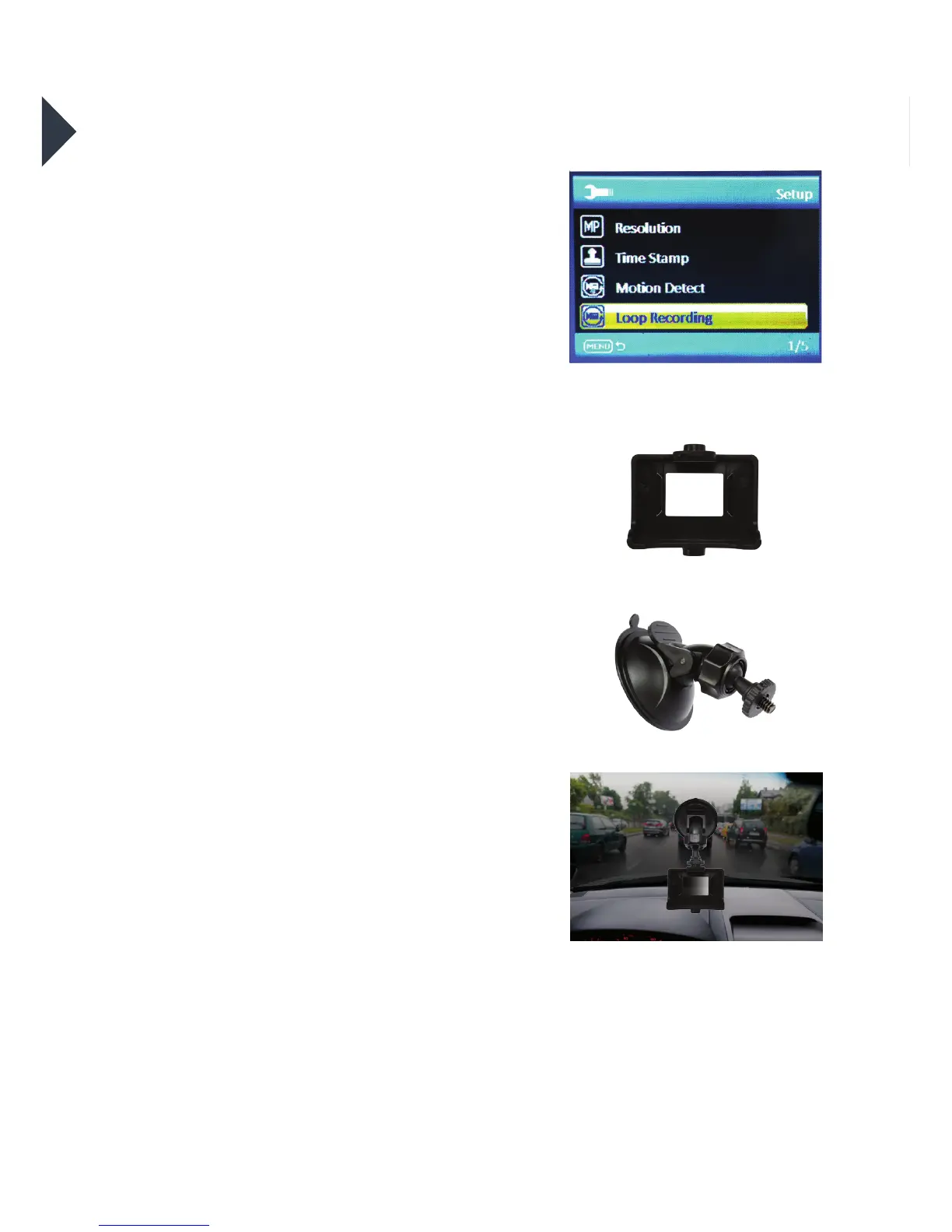
In the seings menu turn on the
“Loop Recording” seing and
choose the looping recording time.
•
Join the Suction Mount and the
Camera Clip Housing together.
Tighten the screw. Insert the camera
into the Camera Clip Housing. Place
the Suction Mount and camera in a
suitable position on windscreen of
your vehicle.
+
LCD Screen when ‘Loop Recording’
is selected



 To Next Page