19
IN-VEHICLE SETTINGS
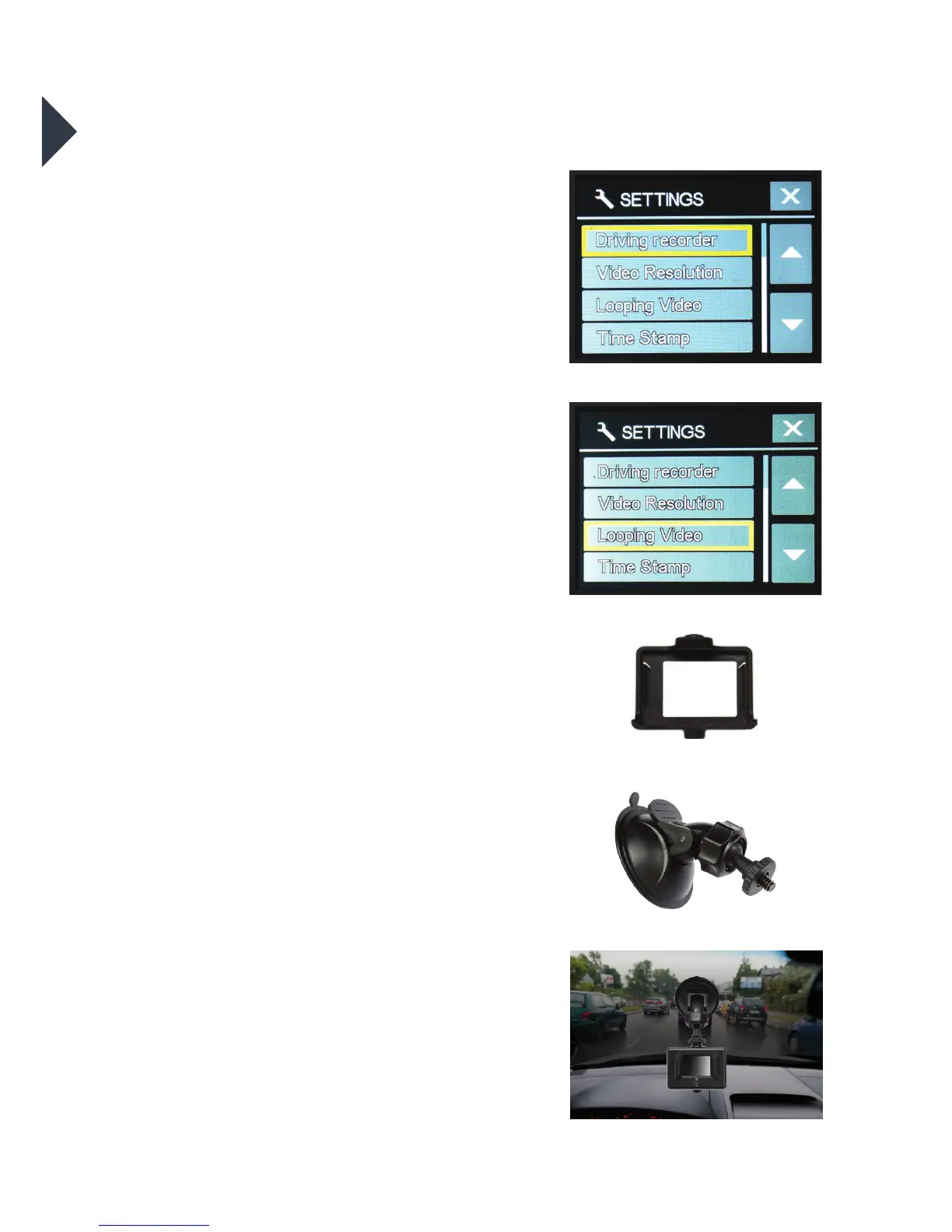
To set your camera up for in-vehicle
crash cam recording:
•
In the seings menu, turn the “Driving
Recorder” seing to ON;
•
In the seings menu, turn the
“Looping Video” seing to ON;
•
Join the Suction Mount and the
Camera Clip Housing together.
Tighten the screw. Insert the camera
into the Camera Clip Housing. Place
the Suction Mount and camera in a
suitable position on windscreen of
your vehicle.
To activate ‘Auto Record’ mode:
•
Connect a 5V 1.0A Micro USB car
charger (not included) to the camera;
•
When your car is in operation, the
camera will automatically start to
record in Looping Video mode. If you
wish to record your entire journey turn
o the Looping Video mode. Power
and recording will automatically stop
when your car is turned o.
To activate manual recording please
follow the instructions on page 11.
+



 To Next Page