14
PHOTO MODE
To take a photo, make sure the camera is in Photo mode which
should be displayed on the LCD Screen. If not, short press the
Mode Button (4) repeatedly until the camera icon appears.
TO TAKE A PHOTO:
Press the OK Button (5). The camera will make a short beep then
emit the camera shutter sound.
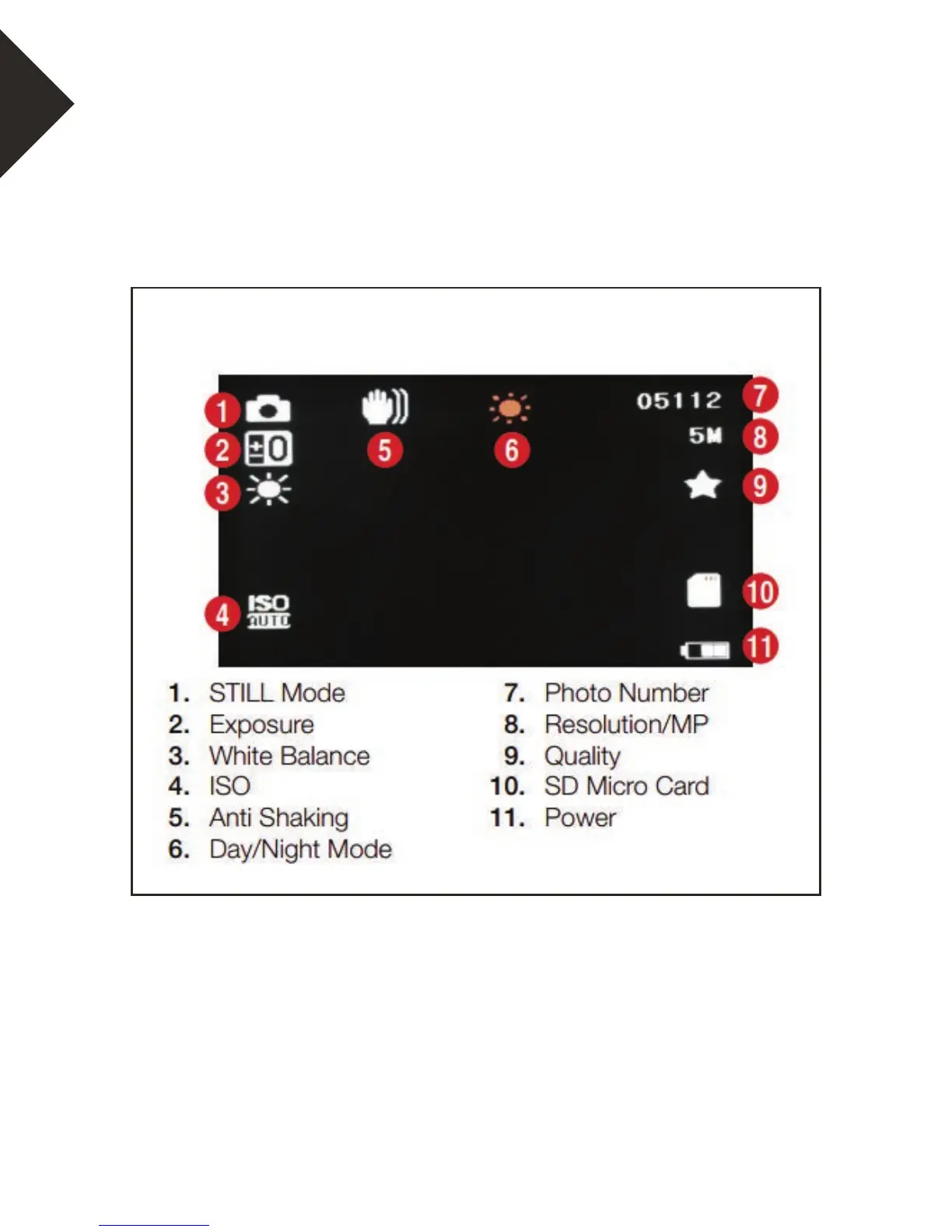
PHOTO SCREEN DIAGRAM


 To Next Page