1716
CAMERA SETTINGS
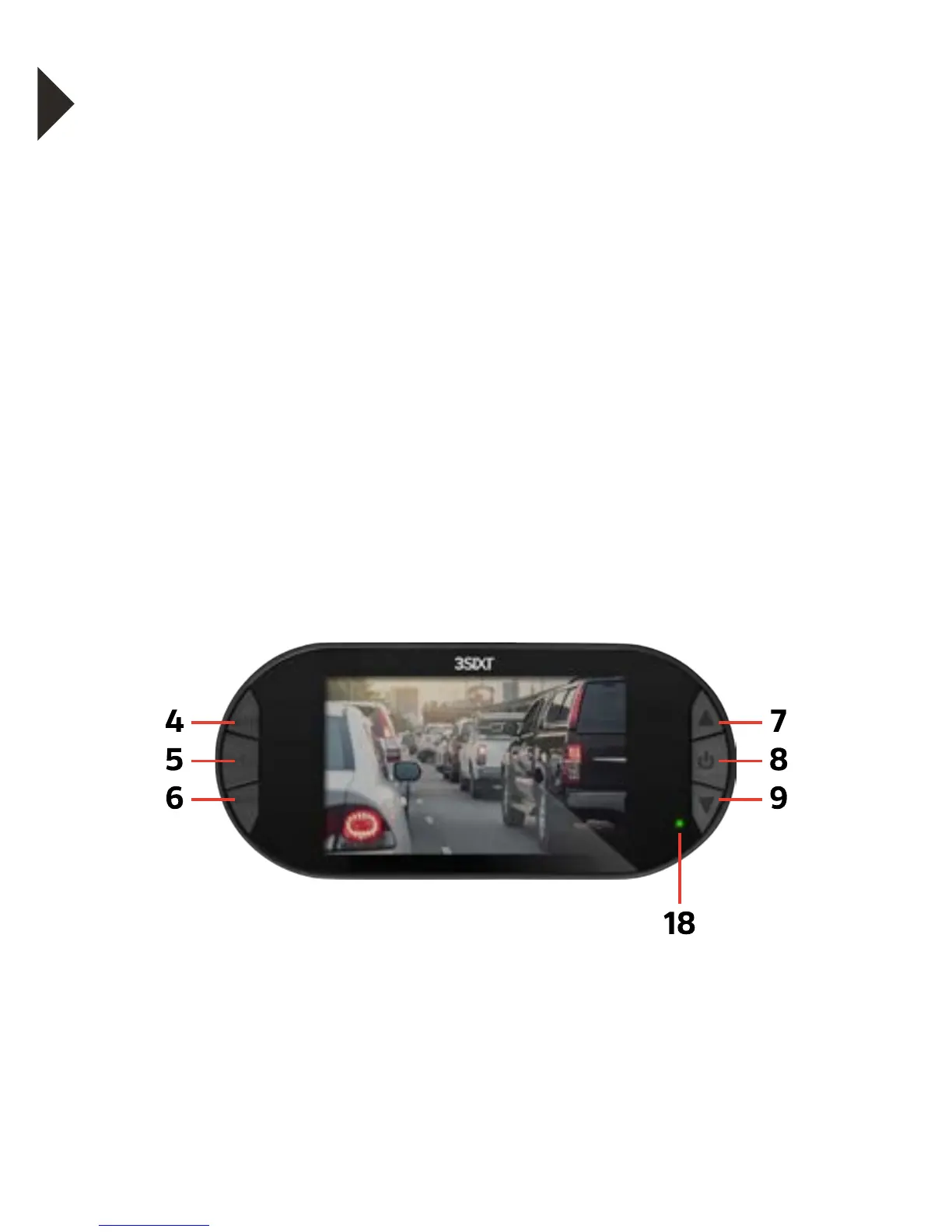
• Press the Menu button (6) to enter either the Video or
Picture sub menu.
• The Camera Settings menu is identified with a Wrench icon.
To enter this camera settings menu press the menu button (6).
• To select or change one of the settings, use the Up/Down
Buttons to choose an option and press the OK Button (5) to
change the setting.
• Once a menu option has been changed you will be returned
to the Camera Settings menu.
• To exit the sub-menu settings options menu without
changing any of the settings options press the Mode Button
(4). You will be returned to the main settings menu.
• To exit the main settings menu and return to camera mode,
press the Mode Button (4).



 To Next Page