7Numbers in black circles refer to diagrams on pages 4 & 5
Installing and charging the battery
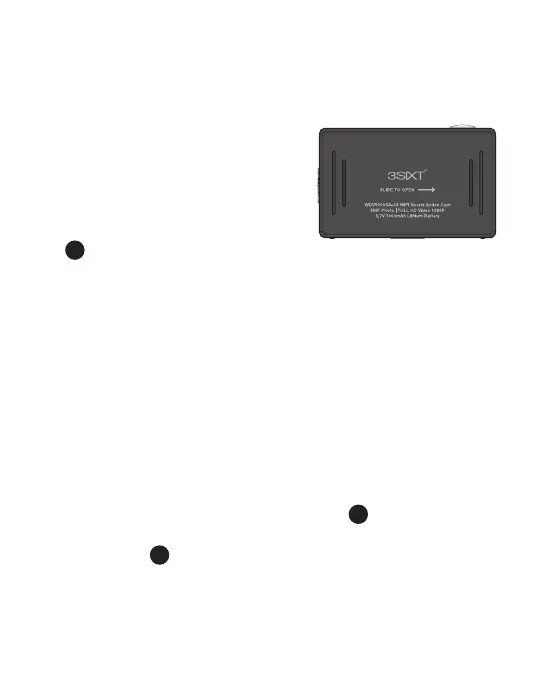
Installing the battery
First make sure that the camera is
off when inserting or removing the
battery.
1. Slide up the battery cover switch
12
while sliding the back open in
the direction of the arrow to open the battery cover.
2. Insert the lithium battery into the battery compartment.
Make sure the contacts of the battery are corresponding
to the symbols on the camera body.
3. Return the battery cover by placing it back then sliding it
rmly in the opposite direction of the arrow until it clicks
into place.
Charging the battery
1. Make sure that the camera is switched off.
If the camera is switched on, the battery will not charge.
2. Connect the camera’s micro USB port
8
with a PC or
MAC via the USB cable to start battery charging. The
status LED
13
will be lit blue while charging and will
disappear when charging is completed.



 To Next Page