Installation Instructions
www.3ware.com 33
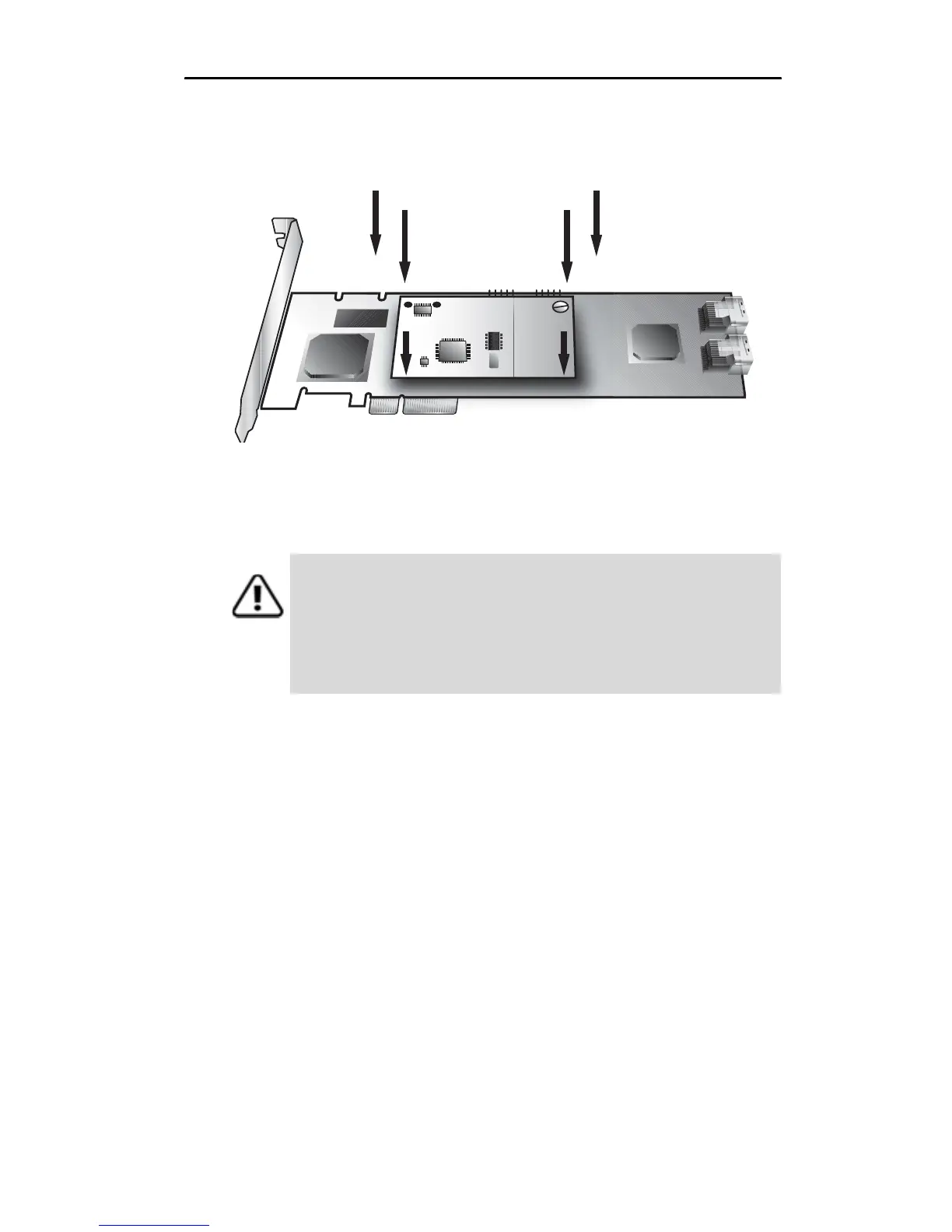
3 Press down gently until the BBU is seated.
Figure 26. BBU control module connected to the controller
4 Turn the controller over, insert the plastic screw head that you
removed in step 1 into the plastic post, and tighten it gently but
firmly. (Do not over-tighten!)
Warning! To avoid possible damage to the controller and
the motherboard, make sure the module is connected in the
proper orientation, and that the plastic post is attached.
When the plastic post and the connector are attached
correctly, the module is in the correct orientation.



 To Next Page