The dedicated charger provided by the company has a function of charging protection. When the battery is
100% charged, the charger will be powered off automatically. The charging time is about 5-6hours. Damage to
the battery arising from water, collision and other abnormal factors is excluded from the warranty policy.
1. Open the rubber and insert the plug into the hole;
2. Insert another plug of the charger into the electric outlet;
3. When the indicator lamp is red, it shows the battery being charged; When the lamp turns green, the battery
is finished charging.
4. Please shut down and keep away from water before charging.
5. Only use the specified charger for charging.
6.
Warning: Please be careful not to get electric shock.
Charger
Charging instructions
Press the brake in the running process to enable the kinetic energy recovery system and convert part of kinetic
energy into electrical energy to be stored and used. The kinetic energy recovery system can enhance the
experience of emergency braking. At the same time, the recovered kinetic energy can help increase the
endurance. Changes in the power are displayed simultaneously.
Kinetic energy recovery
24
25
11 App Descriptions
5TH WHEEL App Manual Operation
we pay great attention to the user experience and constantly inject new function sections into the App, so
the App interface may change with the iteration of the version. The following contents are for reference
only, mainly based on the actual App.
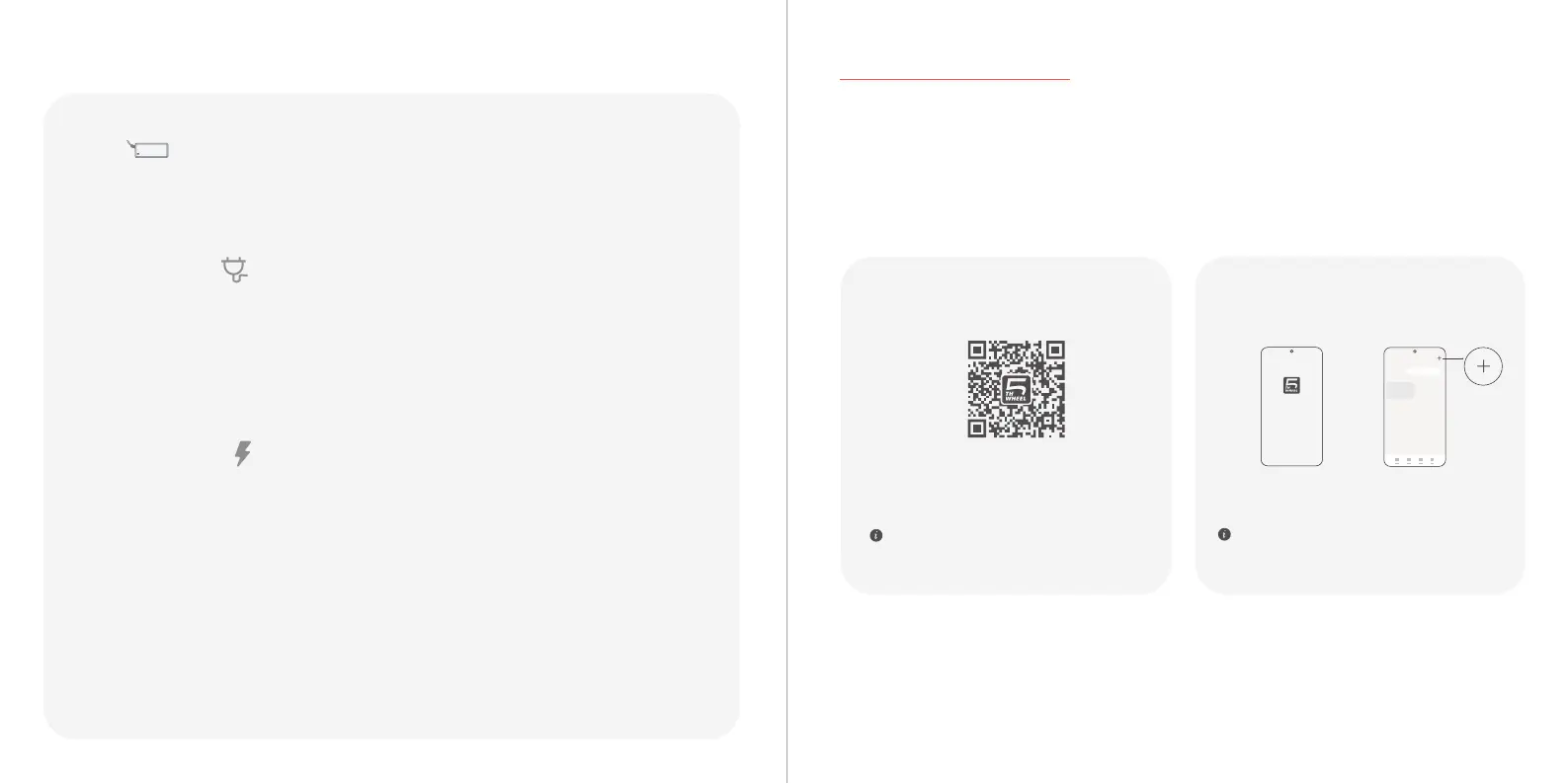
1.Please use your mobile phone to scan the QR
code to download our APP. After downloading and
installing, complete the registration.
2.After registration, please log in to the homepage,
click Search icon, and bring your mobile phone
close to the device App, which automatically scans
the device.
5thWheel App
If you have installed our App, please make sure it
is the latest version.
IOS
Add Device
Please keep your Bluetooth and device on, and try
again if you fail to scan the device.



 To Next Page