24
25
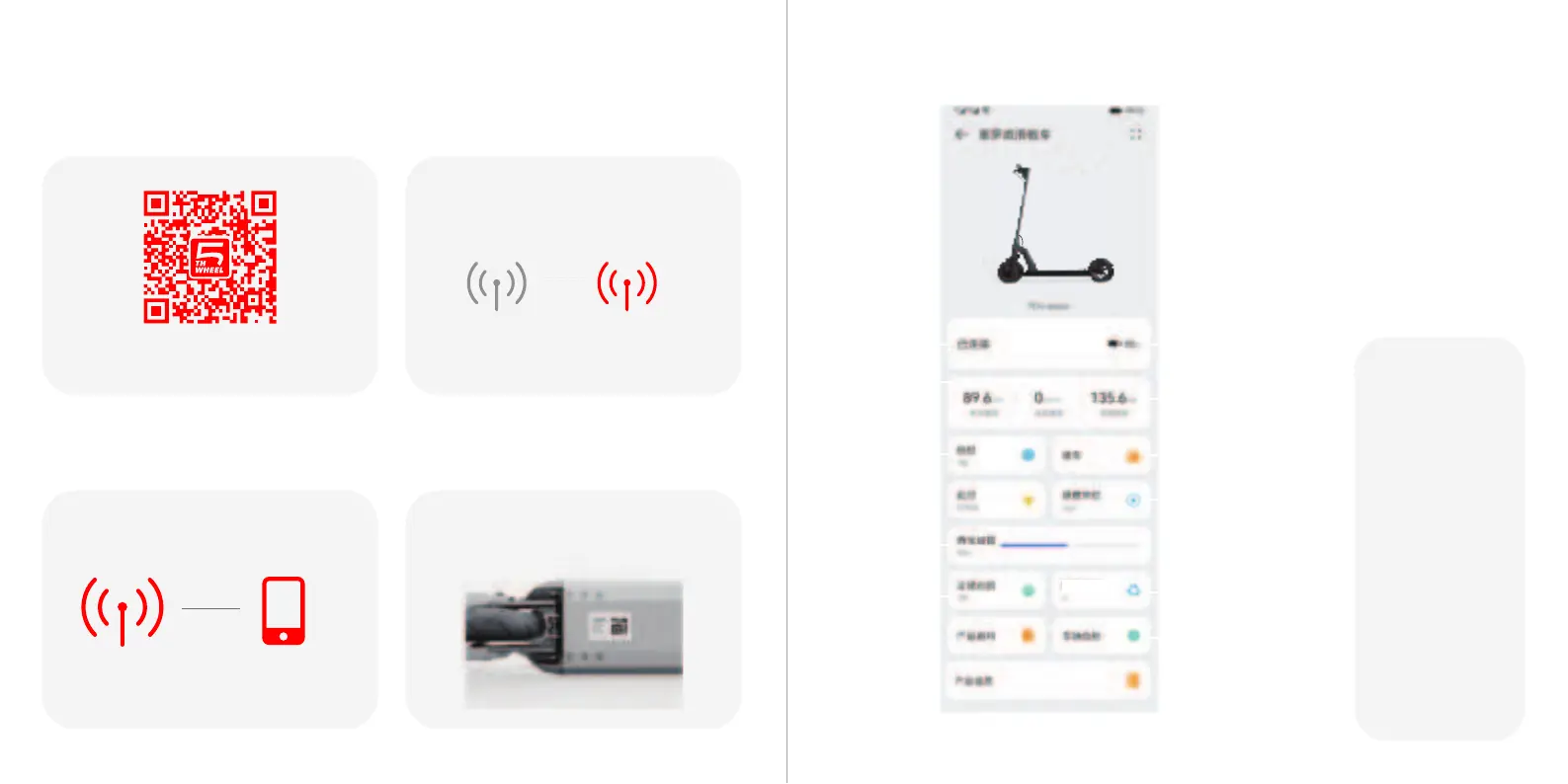
11 Instructions for APP
②Please turn on the scooter before the connection.
③Finish the connection by following the instructions.
Scan the QR code to download the App.
①.Downloading the App
④Register account using your Email. A PIN code is
sent and needed in this procedure. Scan the bar code
under the scooter and bind the vehicle.
Connection status
Real time speed
Battery indicator
GearLock switch
Vehicle self inspection
Electronic brake strength
Speed unit
LED display
backlight
adjustment
Cruise control
Total mileage
电子刹车强度
*The actual content shall
be subject to the app
display interface
Special note: about the
locking function,
It can only ensure that the
vehicle cannot run normally
Due to the light weight of
the whole vehicle and
The whole vehicle is
composed of mechanical
parts
It can be removed with
corresponding tools
To ensure that the vehicle is
not stolen,
Please park your vehicle in
sight
Enclosed or added
machinery and Fixtures


 To Next Page