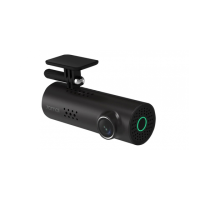
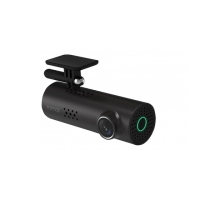
Function description
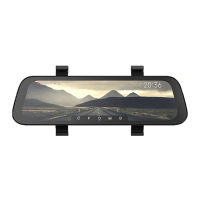
1. Main interface
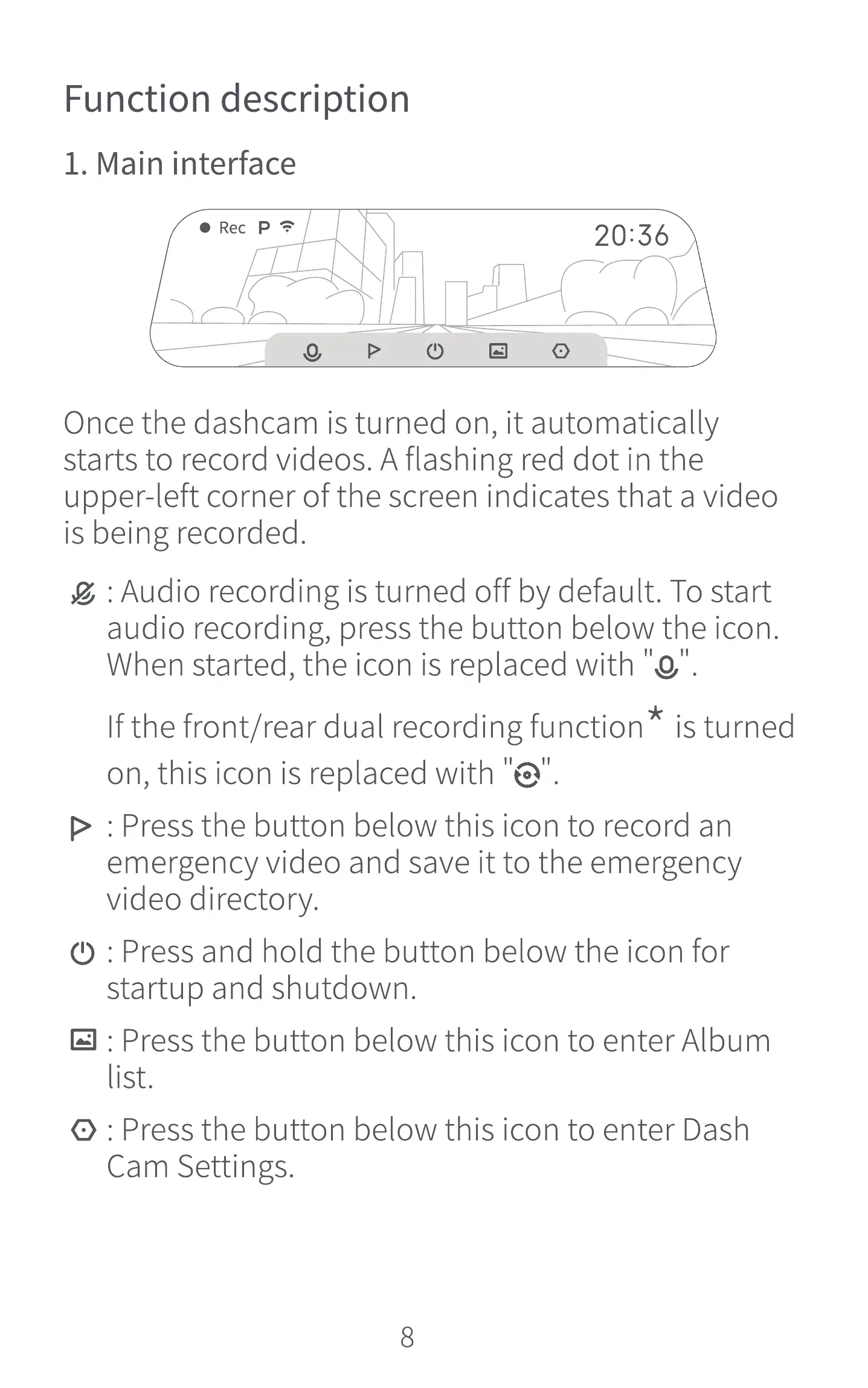
Rec p
20:36
Jun. 21
Wed.
Once the dashcam is turned on, it automatically
starts to record videos. A flashing red dot in the
upper-left corner of the screen indicates that a video
is being recorded.
g : Audio recording is turned off by default. To start
audio recording, press the button below the icon.
When started, the icon is replaced with "0"
Ifthe front/rear dual recording function is turned
on, this icon is replaced with
> : Press the button below this icon to record an
emergency video and save it to the emergency
video directory.
C) : Press and hold the button below the icon for
startup and shutdown.
@ : Press the button below this icon to enter Album
list.
@ : Press the button below this icon to enter Dash
Cam Settings.
8


 To Next Page