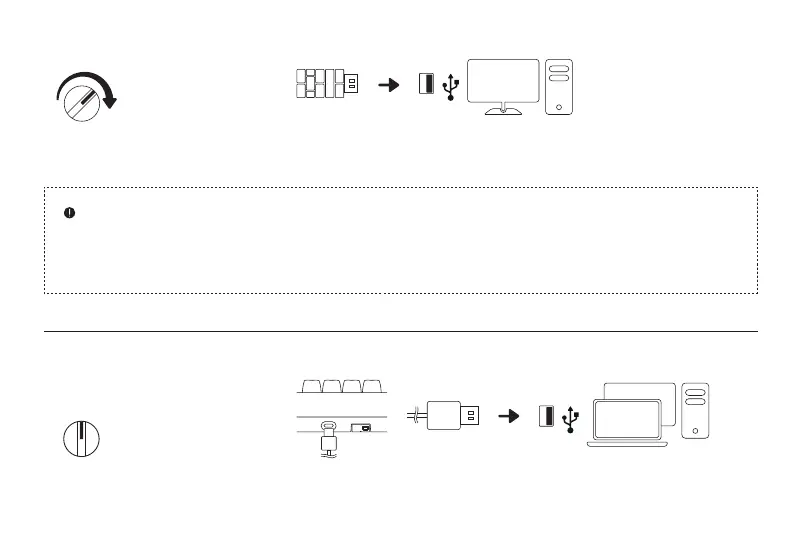
1. Turn the Mode switch to OFF. 2. Connect the keyboard to the USB port of your device and wait till the keyboard is successfully
recognized by your device before using it.
OFF
Wired Connection
1. Turn the Mode switch to 2.4.
2. Connect the 2.4G adapter to the USB port of your device, the Connection indicator will remain
solid for 8 seconds and then go off to indicate a successful connection.
Wireless Connection
2.4
Re-pair the Keyboard and the Adapter:
1. Turn the Mode switch to 2.4.
2. Hold the Pair button for 3 seconds to enter its pairing mode, and the Connection indicator will start to blink rapidly.
3. Connect the adapter to the USB port of your device.
4. The Connection indicator will remain solid for 8 seconds and then go off to indicate a successful connection.
04



 To Next Page