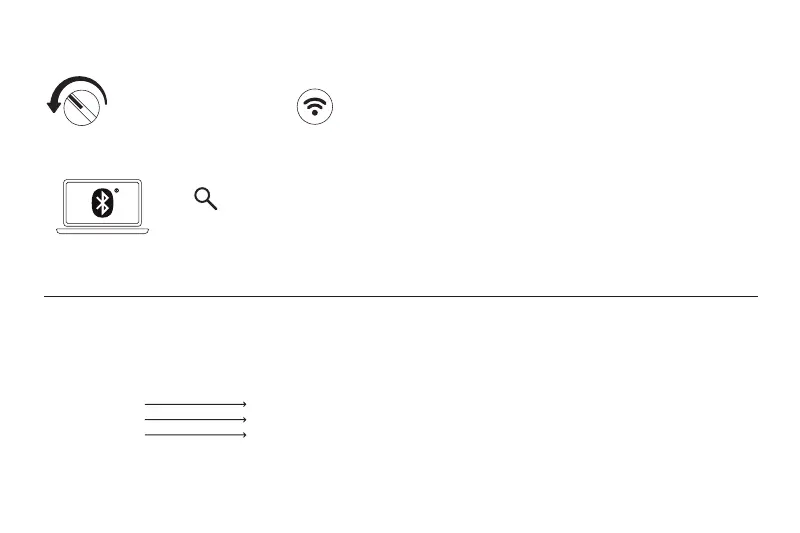
1. Turn the Mode switch to BT. 2. Hold the Pair button for 3 seconds to enter its pairing mode, the Connection indicator will
start to blink rapidly. (This is required for the very first time only)
8BitDo Retro Keyboard X
Bluetooth Connection
BT
3 seconds
3. Go to your device’s Bluetooth list and pair with "8BitDo Retro Keyboard X", the Connection indicator will remain solid for 8 seconds and
then go off to indicate a successful connection.
Status
Low battery
Battery charging
Fully charged
LED indicator
Power indicator blinks
Power indicator breathing
Power indicator stays solid
• The keyboard will automatically shut down if it fails to connect within 1 minute of startup, or if there are no operations
within 15 minutes after establishing a connection.
• The keyboard will not shut down during wired connection.
• Charging and battery life depend on variations in settings or environmental factors, and actual results may vary.
Built-in 4000mAh battery pack, 300 hours of usage time via Bluetooth connection and 280 hours via wireless 2.4G connection (with RGB off), rechargeable
with 6 hours charging time.
Battery
05



 To Next Page