1-2 Software Power Off Control
The mainboard design supports Software Power Off Control feature through the SMM
code in the BIOS under Windows 95/98, Windows 3.1x, and MS-DOS operation system
environment. In order to reach this feature, you should use ATX power supply.
First, you should connect the power switch cable to the connector “PS-ON” on the
mainboard. In the BIOS screen of ‘POWER MANAGEMENT SETUP’, choose “User
Defined” (or “Min. Power Saving” or “Max. Power Saving”) in ‘Power Manager’ and
choose “Yes” in ‘PM Control by APM’.
In Windows 95/98, if you would like to power off the system, you just choose
“shutdown the computer ?” in the “Shut Down Windows“ from Windows 95/98, then the
system power will be off directly and become the stand-by status. In the mean time, you
will find the power LED light is blinking. If you would like to restart the system, just
press the power switch button, and the system will be powered on.
Note : If you will leave your system for several days, we suggest you use hardware power
off to shutdown your system.
1-3 SB-Link Sideband Signals (JP5)
In order to migrate the legacy Sound Blaster compatible audio to the PCI bus, EMU8008
incorporates a pair of SB-Link request/grant sideband signals (PCPCIR EQN and
PCPCIGNTN) to interface to the PCI bus. SB-Link is a mechanism that was defined and
developed by INTEL as a docking solution which allows ISA slots to exist in docking
stations connected to desktop PC PCI bus.
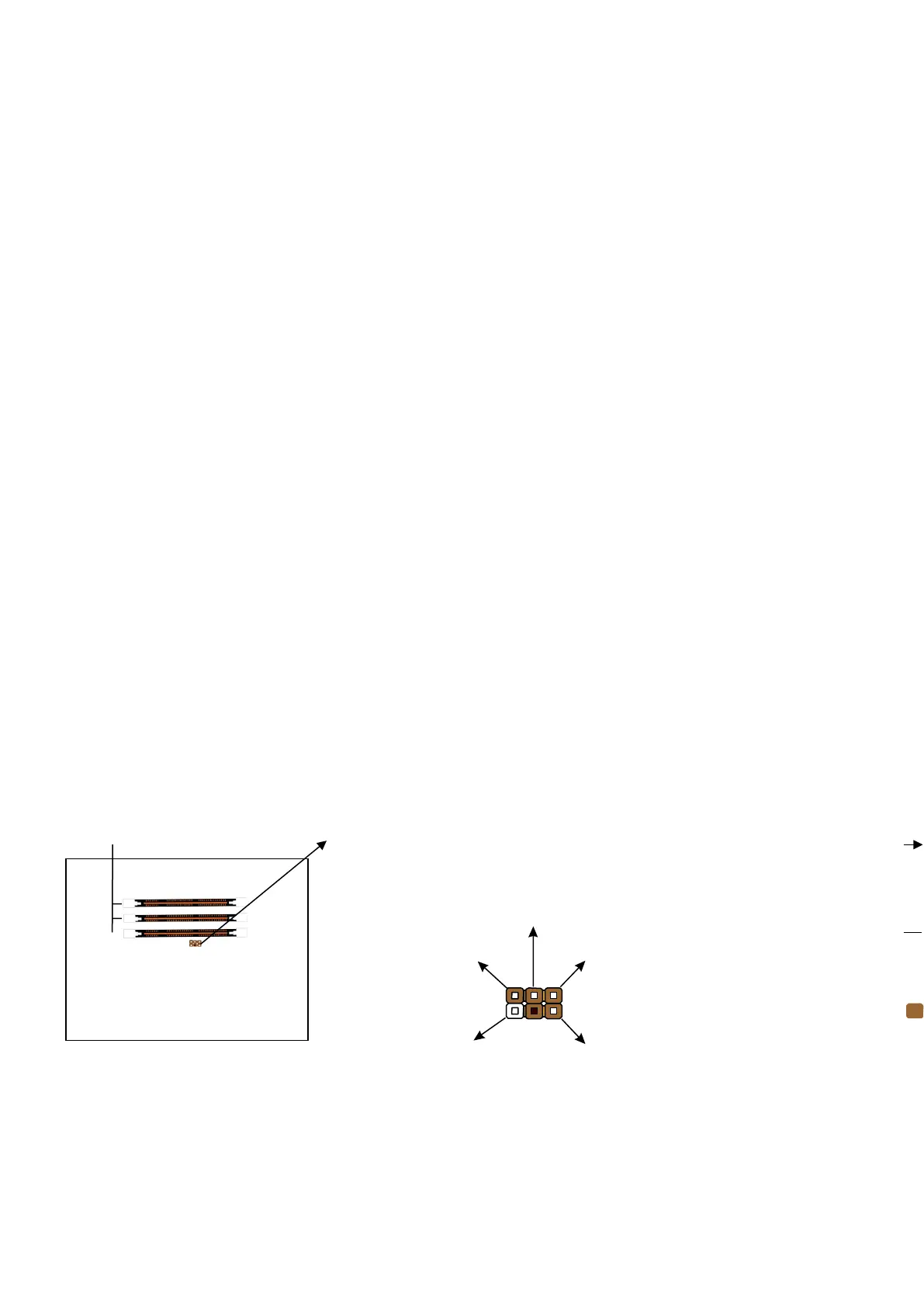
DIMMs JP5 2x3 sideband header, sound will also
has a 2x3 header and a cable.


 To Next Page