13page
owner´s manual
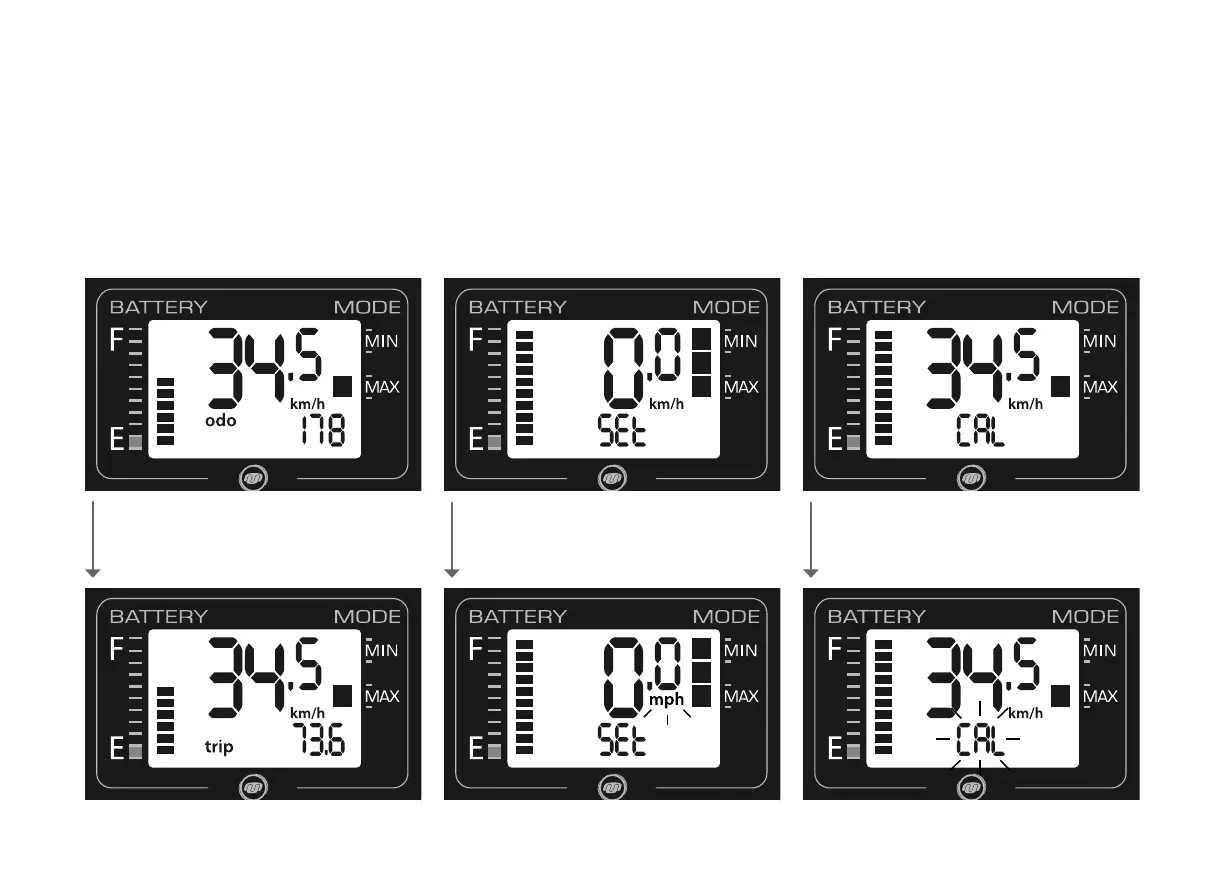
turn the knob to select the menu
Switching between odo (kilometer
reading) and trip
Turn the knob forward or backwards till odo or
respectively trip is shown.
Manual sensor calibration
For manual calibration turn the knob till CAL is
shown. Push the knob for 2 seconds till CAL
starts to ash.
turn the knob to select the menu/
push the knob for 2 seconds
Switching between km/h and mph
Turn the knob till SEt is shown. Push the knob for
2 seconds until SEt start to ash. Then push the
knob to switch between km/h and mph.
turn the knob to select the menu/
push the knob for 2 seconds/
then push the knob once again



 To Next Page