- 3 -
About “Screen Capture Tool”
Bundles with value-added functions, such as Screen capture, TutorPen, Keyboard/Mouse Simulation,
16-in-One, 4-way Wheel, etc. Best software for your every needs.
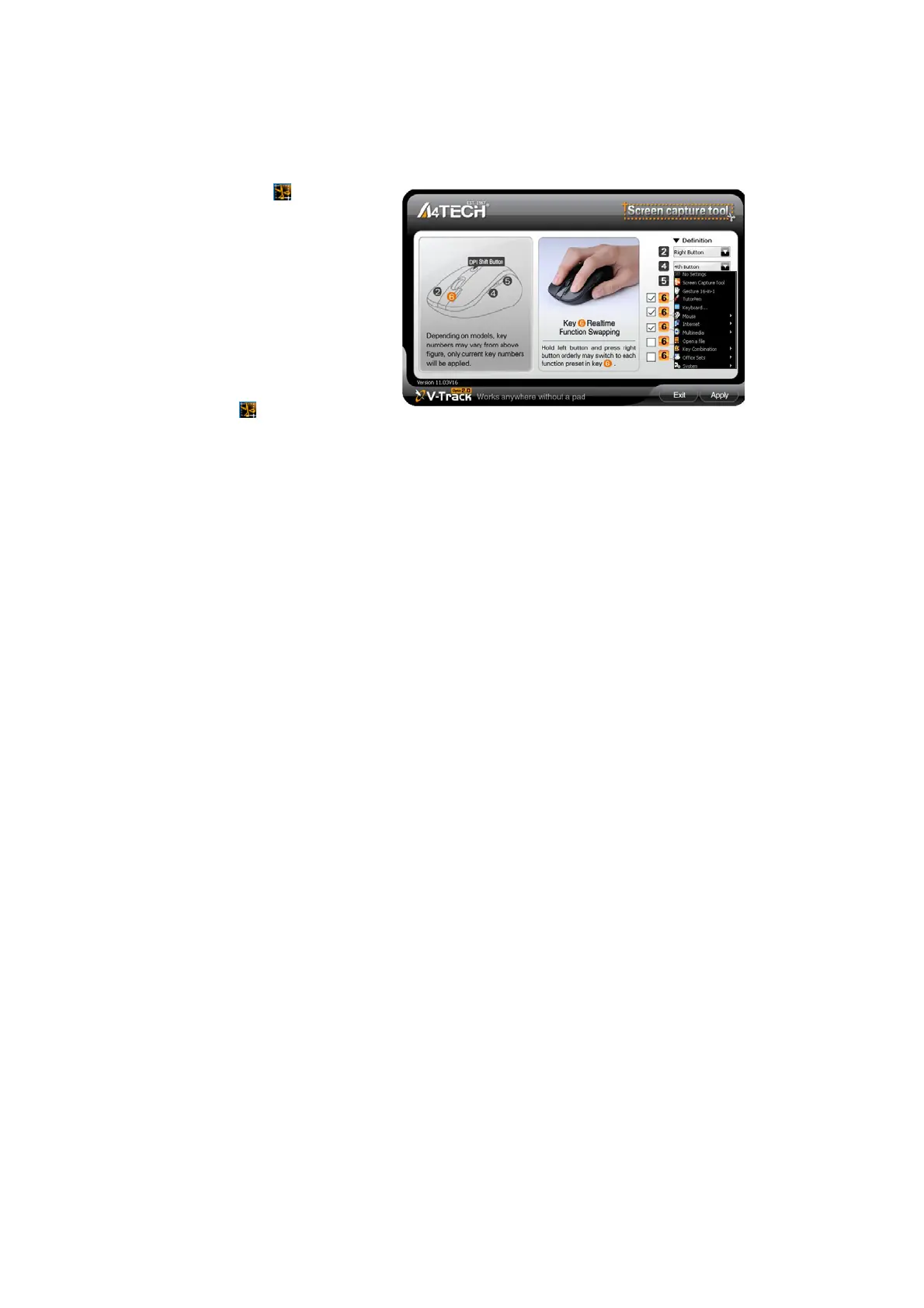
Define the Mouse Buttons
1. Click the icon at the system
tray to open the “Main Menu”.
2. Select the function you preferred
for each button from the pull-down
function list.
3. Store and apply the setting by
clicking "Apply".
4. Click “Exit”.
5. Set “Function/Key Reminder” by
clicking
at the system tray.



 To Next Page