5
Connection and installation
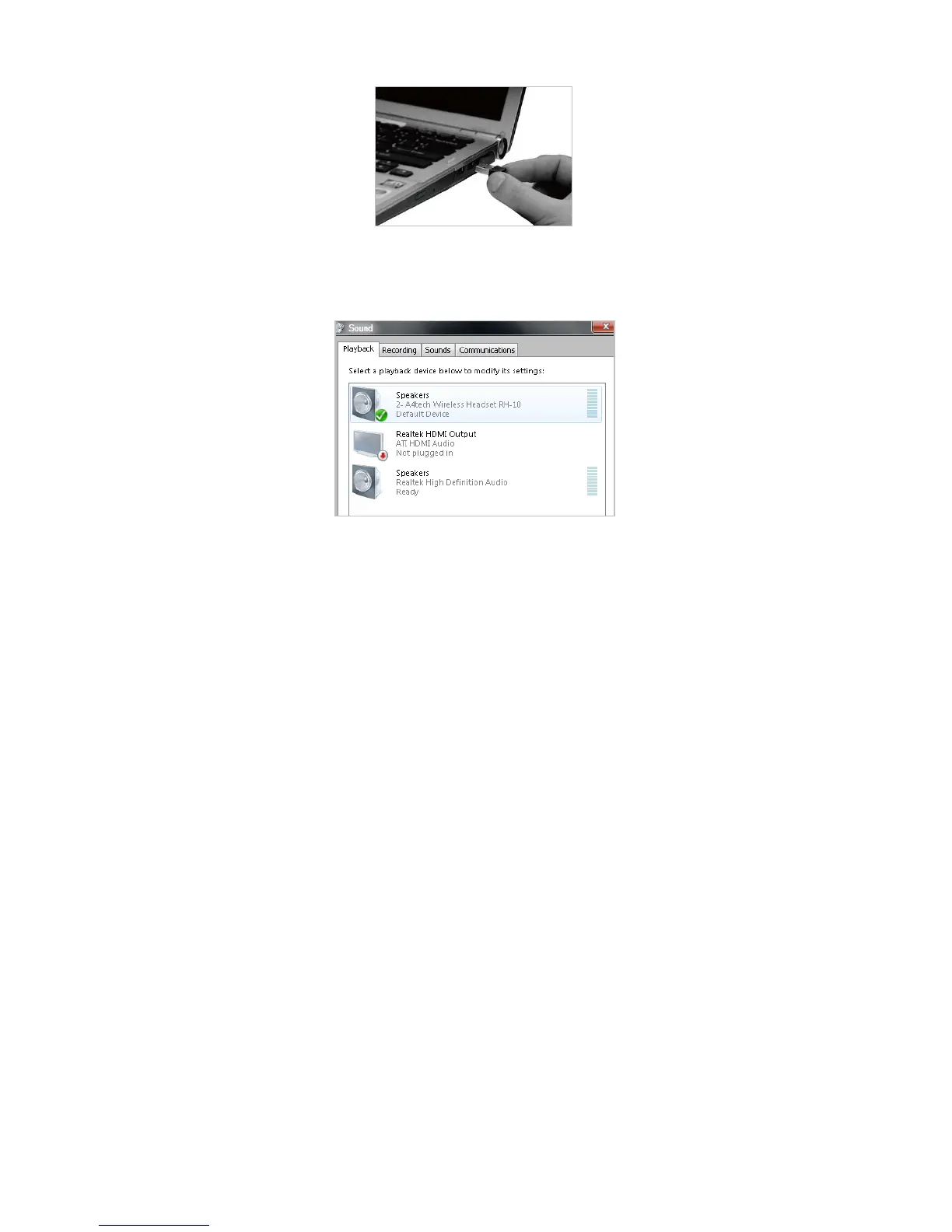
1. Connect the receiver to your computer
(Connection completed, LED lights up; if not, LED slow flashes.)
Notes: If you are using the receiver in a long range room or there is strong wireless conflicts
nearby, adopting the receiver with a USB extension cable to keep it away from the computer or
any interfering sources.
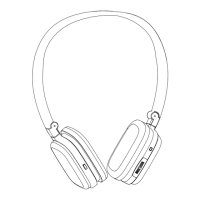
2. If the audio attribute doesn't switch automatically, please open[Hardware and Sound]from
[Control Panel]>> select “Sound”, and then press OK after selecting “A4tech Wireless
Headset RH-10” in the “default device” field.


 To Next Page