AB IPBOX
User manual
10
First start
This document explains how to install the latest software and initial usage after purchasing the product.
We have taken screenshots in English in consider ration of the global character of this manual, and the
captured pictures may be different from the personal environment.
After purchasing the product, connect the TV and AB IPBOX box with the HDMI cable, connect the DC power
adapter to turn on the power.
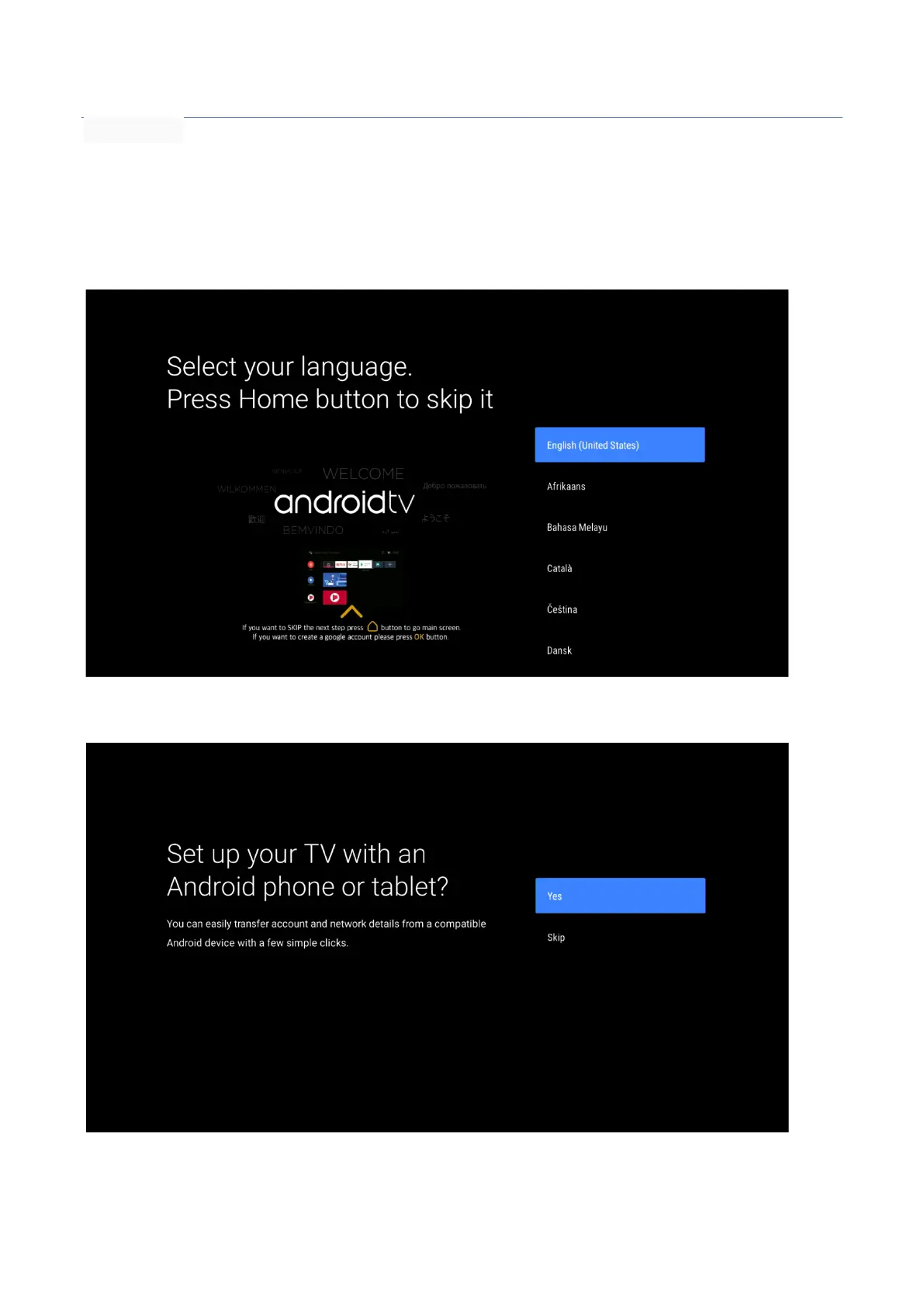
When you turn on the AB IPBOX box, the following screen appears.
Enter your desired language:
This option is only available in English:
Here
you can set your network, including Wifi settings.



 To Next Page