AB IPBOX
User manual
21
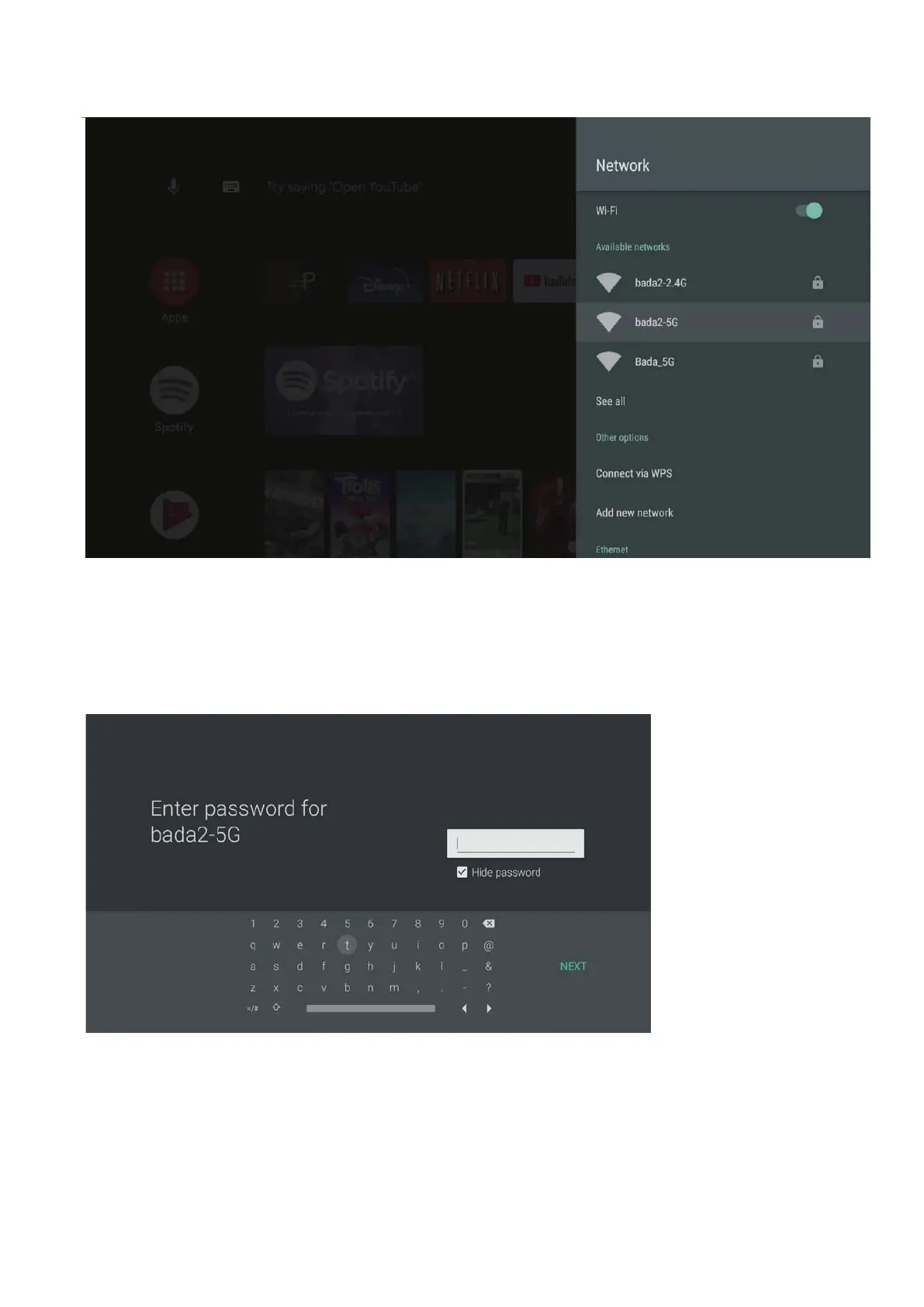
WIFI connection is off by default. If you want to use WIFI, turn on this function and choosey our network.
Once the network cable is connected, you can check the IP address as shown in the screen below.
If you do not use WIFI, you do not need to read this section.
When you specify the WIFI Network to use, the Setting page with the password is displayed. Please enter
your password.
If you set all the passwords, Press “NEXT”.



 To Next Page