AB IPBOX
User manual
40
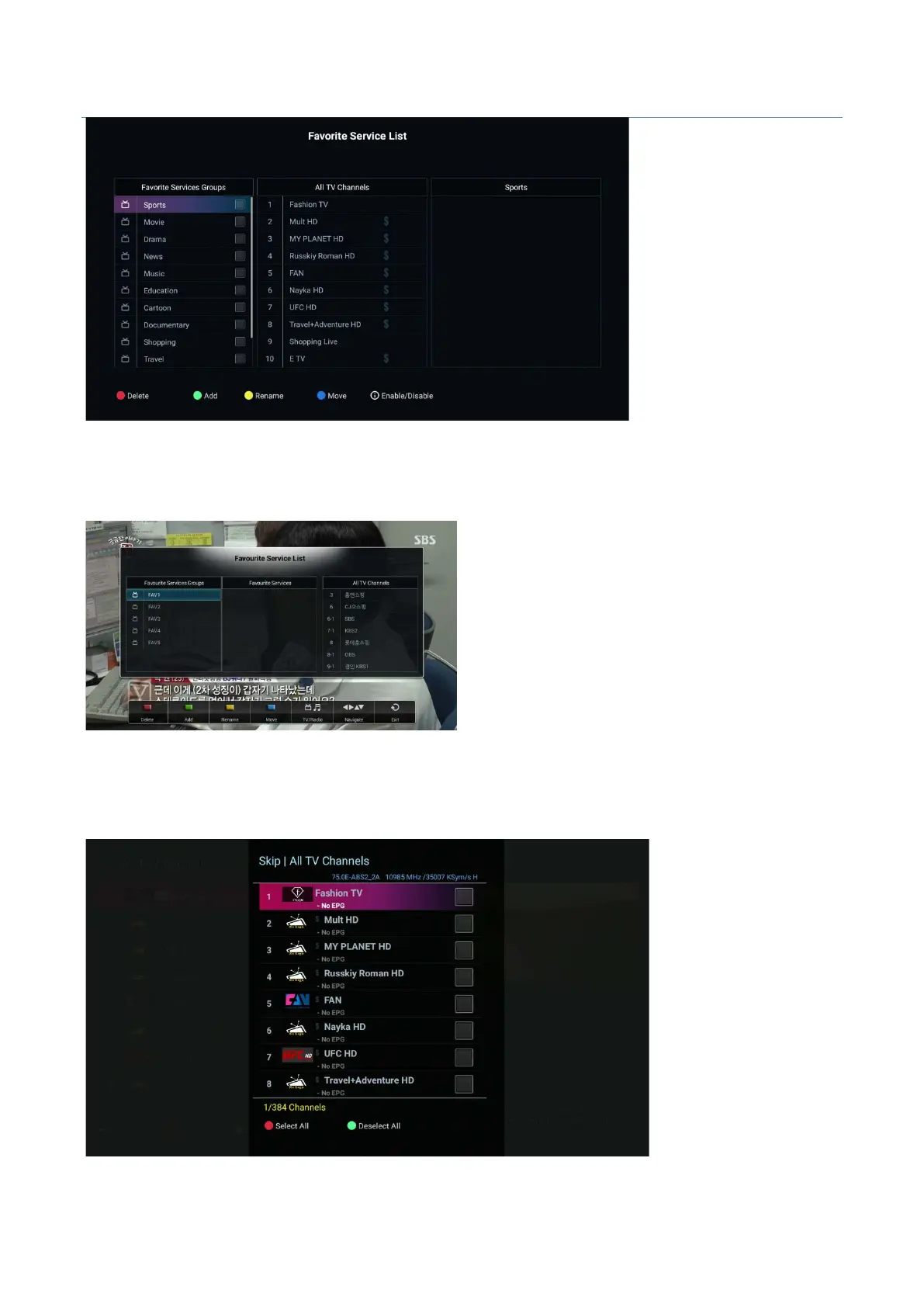
How to create a FAV group
In the channel list, press the “I” button to display the channel editing options. Then the green button and select
your favorite channels option.
In the left window, select the desired FAV group using the ▼ / ▲ buttons.
Use the button to move to all channels and use the green button to add the desired programs to the
selected FAV group. Repeat the procedure to create another FAV group.
Skip Channels : Select channel to skip in list



 To Next Page