AB IPBOX
User manual
45
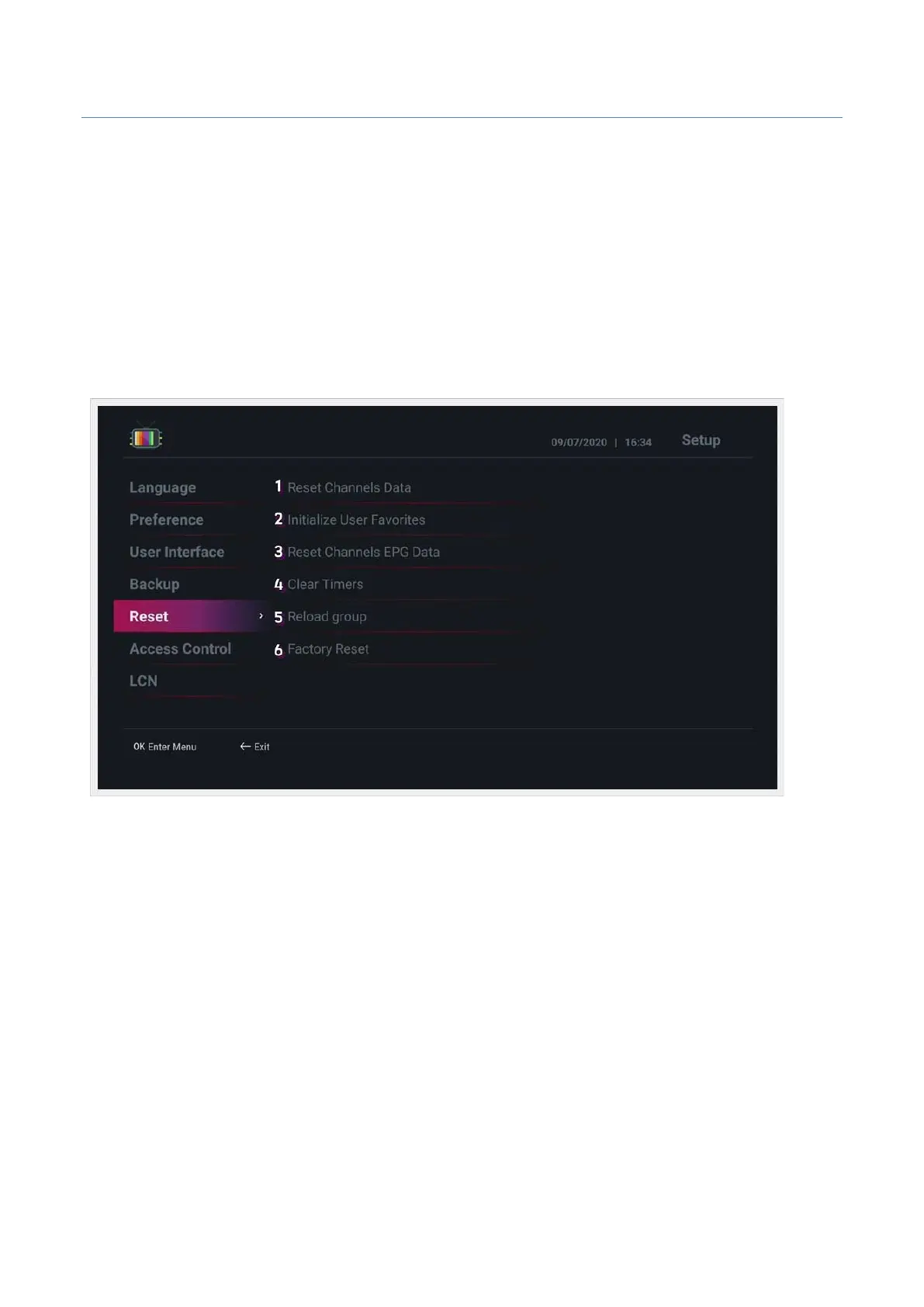
• Reset : Channel-related data and factory reset.
1. Reset Channels Data : Deletes all searched channel data.
2. Initialize User Favorites : Initializes the user favorites list.
3. Reset Channels EPG Data : Initializes EPG data.
4. Clear Timers : Initializes the timer data.
5. Reload group : Restores the channel group.
6. Factory Reset : Performs factory reset.



 To Next Page