8
The camera can operate in Photo Taking Mode.
Set the photo resolution.
VGA/1M/2M/3M/5M/8M/10M for choices.
Photo Taking Mode:
In standby mode, long press MENU to switch to Photo Mode,
and press OK to take a photo.
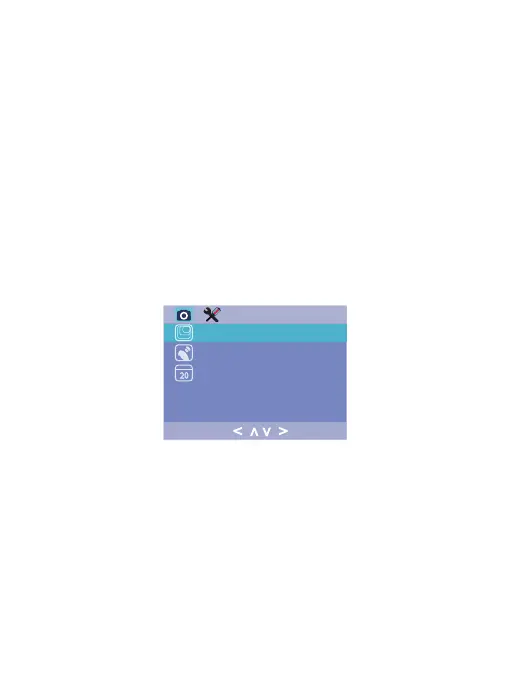
Photo Mode Menu :
Resolution:
Turn on / off image stabilization function.Anti-shaking:
Enable / Disable the date and time marked in
image files.
Date Stamp:
To take a photo:
Like the Video Recording Mode, you can press the Menu bu-
tton once to access the setting menu for Photo Mode, Press
Menu twice to enter the system setting menu.
< >
>
<


 To Next Page