9
This mode allows you to play back recorded video or view
photos
1.Stop video recording, long press MENU button twice to
enter playback mode.
2.Use
◀ and ▶ button to scroll through the recorded files
/photos, and press OK to view recorded video.
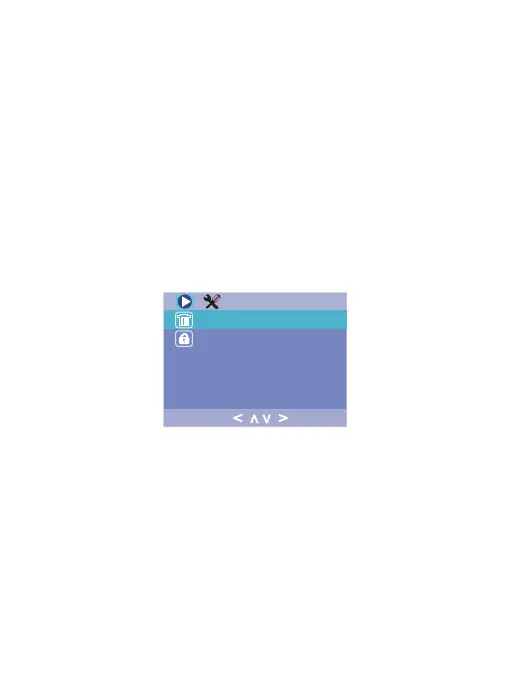
After choosing a recorded video or photo, press the Menu
button once to access the setting menu for Playback Mode.
Playback Mode:
Playback Menu:
Press MENU button twice to access System Setting Menu in
any mode. The TOOL icon is highlighted in the upper left co-
rner.
System Setting Menu :
Delete the current file displayed or delete all files.Delete :
Lock / Unlock the current file displayed or lock
/ unlock all files.
Protection :
< >
>
<


 To Next Page