10
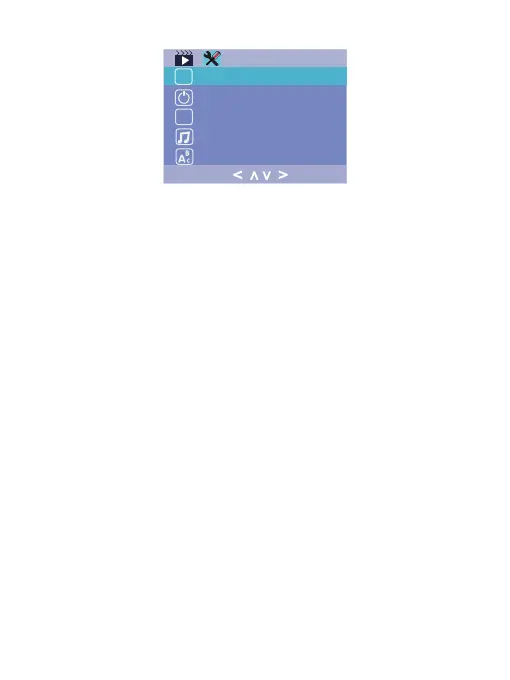
Set the timing to automatically turn off the
LCD display after no operation so as to have the product
worked in very low power consumption; There are "Off, 30s,
1 Min, 2 Min" in this setting. For example, if it is set "30s",
the screen will turn off after 30 seconds, but the camera is
still working(recording). When you want to turn on the scr-
een, you can press any button to activate the screen.
Screen Saver :
Set the time for the camera to automati-
cally power off to save power . The camera will automatic-
ally power off when it is standby under the setting time. Off
/ 1 Minute/ 3 Minutes/ 5 Minutes
Auto Power Off :
Set light frequency to 50HZ or 60HZ a-
ccording to local regulation.
Light Frequency :
Turn on / off sound that when pressing any
button made.
Beep Sound:
Choose the camera system language: Chinese/
English/French/German/Italian/Spanish /Japanese.
Language :
< >
>
<
Hz
OFF
LCD


 To Next Page
 Loading...